 Before
 After · faint trace
Orange stamp on a picnic photo
faint trace · AI-generated sample · grass and blanket edge went soft
Remove a date stamp from a photo by brushing over the digits. Watermark Eraser fills only that area from the picture around it, and you compare the result before you download.
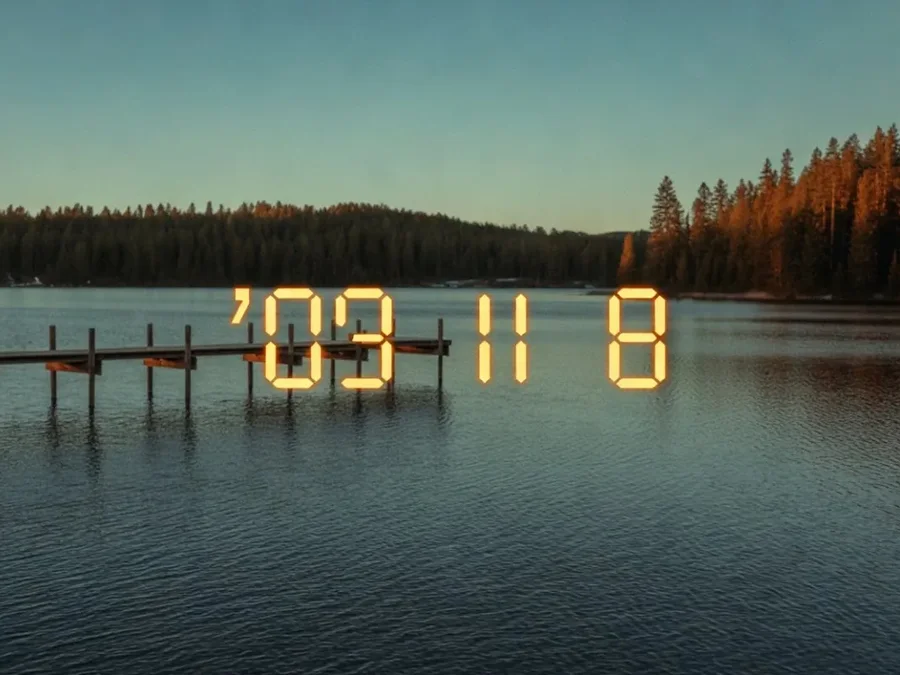
One quick check before we start.
Upload the photo, brush over the date and a little past it, then run removal. The AI rebuilds the area behind the digits from the pixels around them.
The brush always works, whatever the color or size of the digits.
Guests get 3 free removals a day with no account, and the download carries no Watermark Eraser mark. In our runs, one removal took 8 to 27 seconds.
Our test pairs use two kinds of image. The first two are generated images with one run each. The rest have dates we drew onto real photos, because we had no real camera stamps, so they are composited examples.
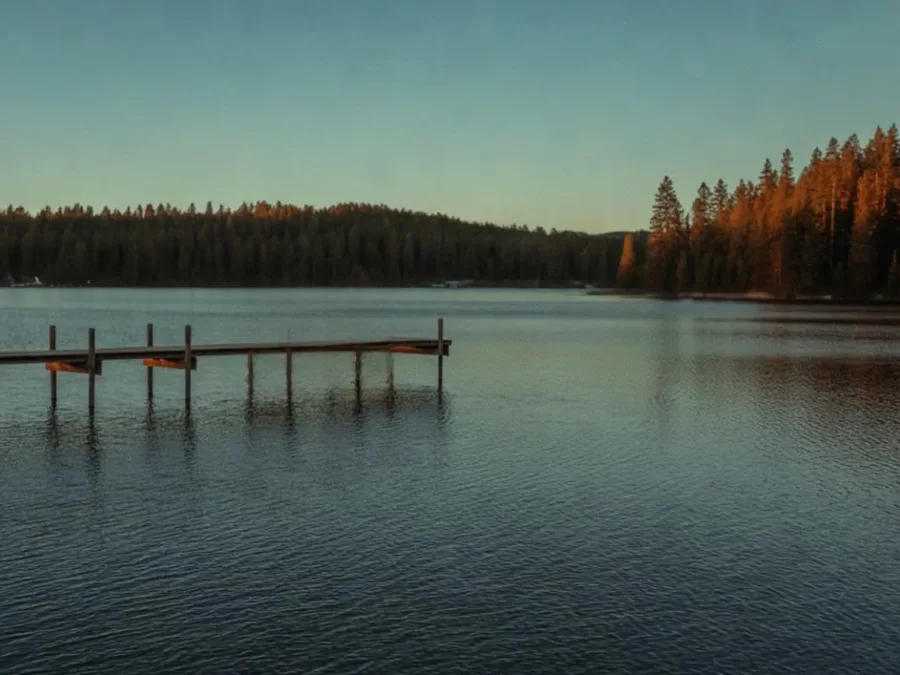
On a photo with a date in the corner, the digits came off with no leftover at normal size. On the picnic photo, the orange stamp disappeared but the grass and blanket edge went a little soft, so we rated it a faint trace.
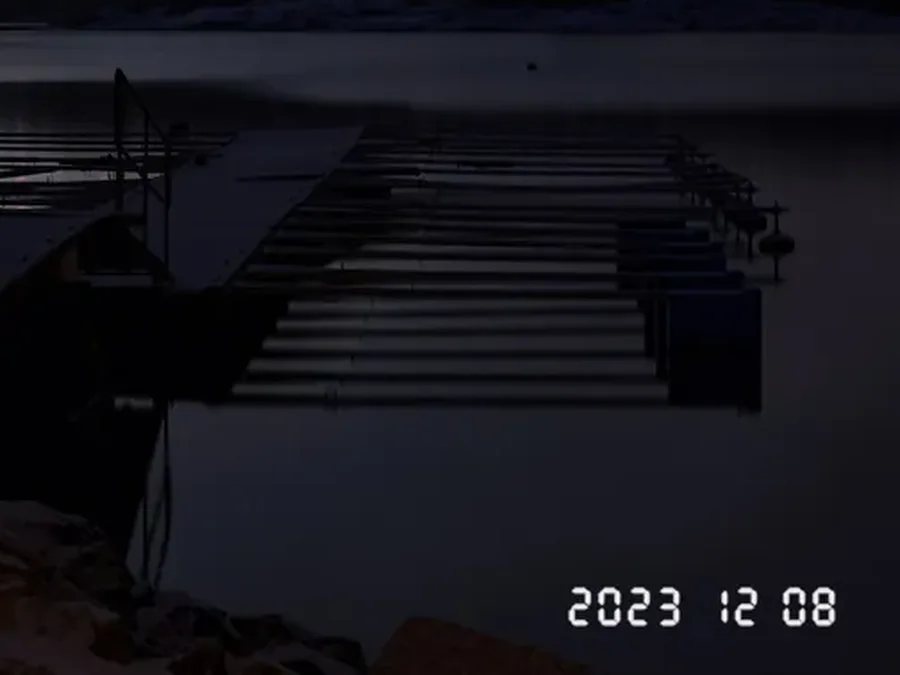
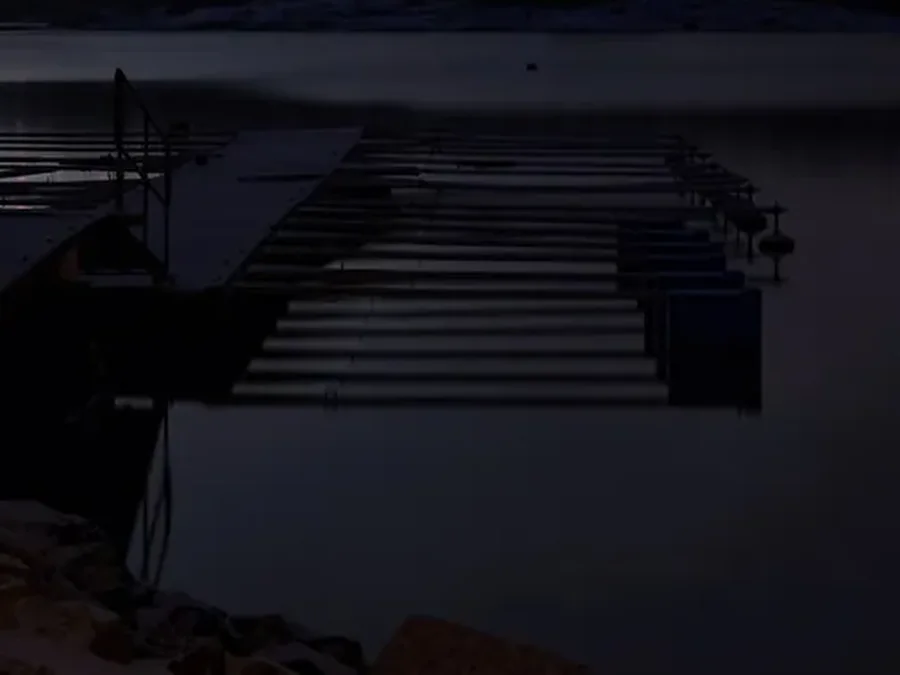
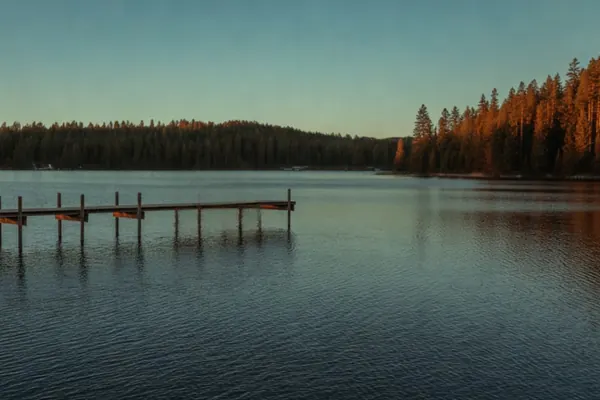
White digits on a dark night photo were painted over with the brush and removed with no trace, which we rated clean. Small orange digits over foliage came off with one brush stroke and the leaves a little smoother. We rated that acceptable.
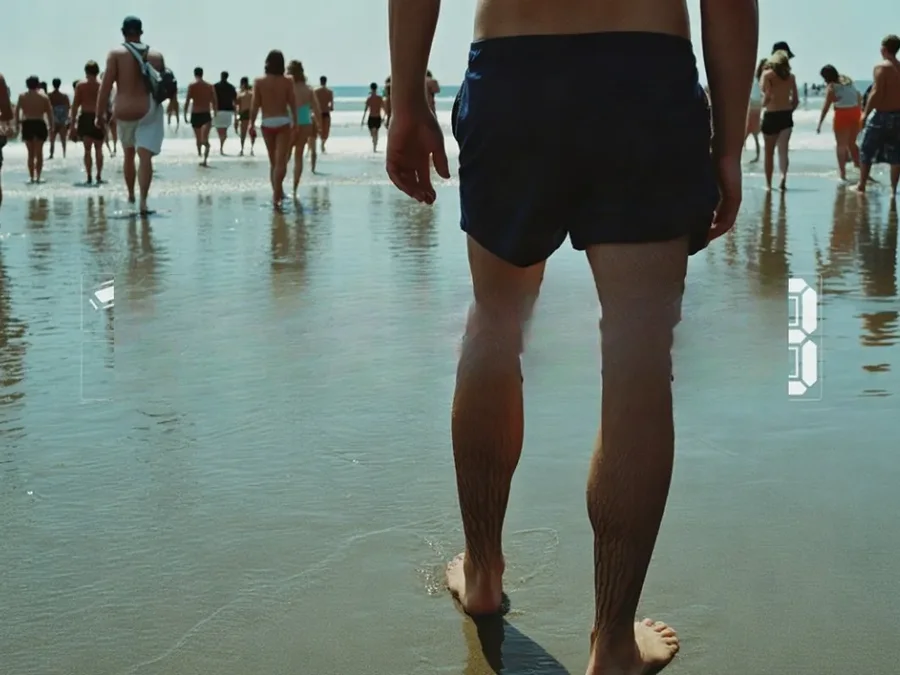
White digits over legs on a beach were painted except the last digit, so a second brush pass was needed. We rated the first pass failed.
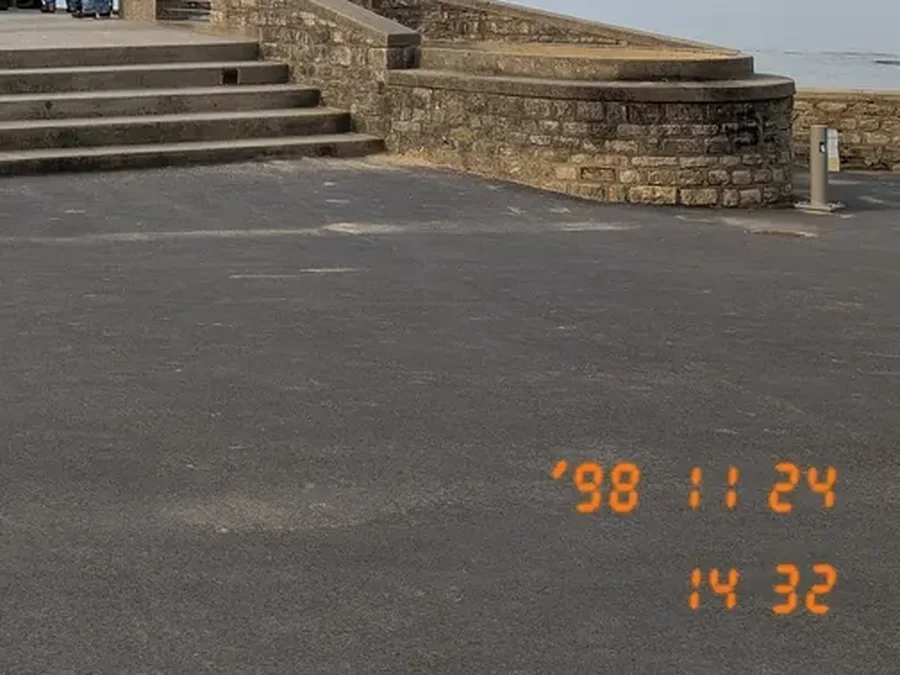
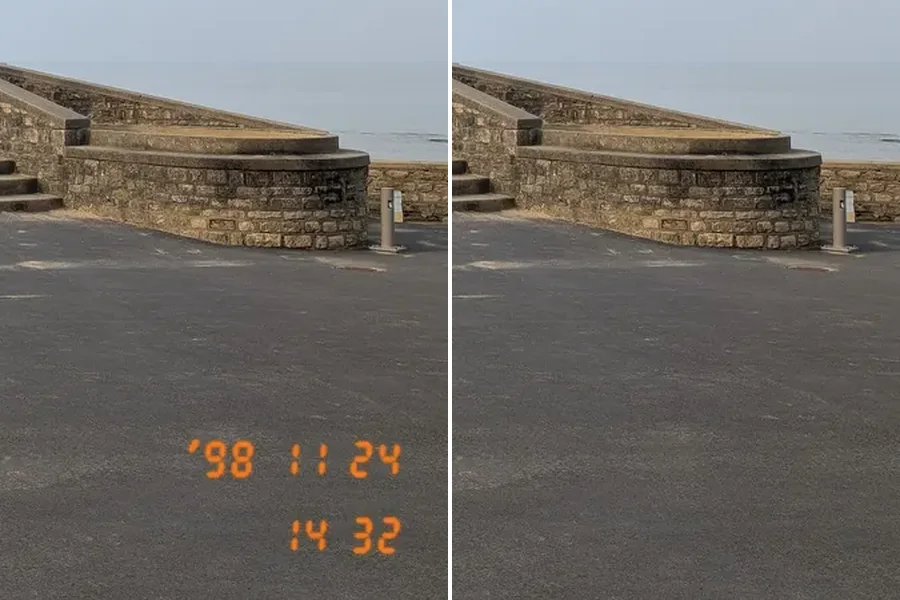
Two two-line stamps came off clean in one brush pass: orange on tarmac, and white over a night railing.
BeforeAfter · faint tracefaint trace · AI-generated sample · grass and blanket edge went soft
 Before
 After · clean
clean · composited example · one brush pass
 Before
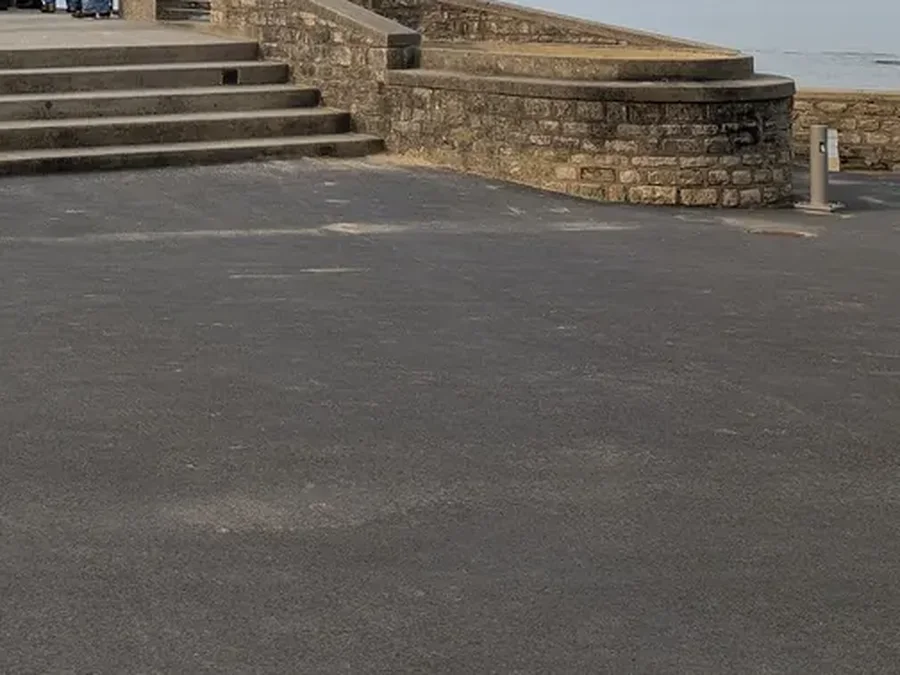 After · clean
clean · composited example · one brush pass
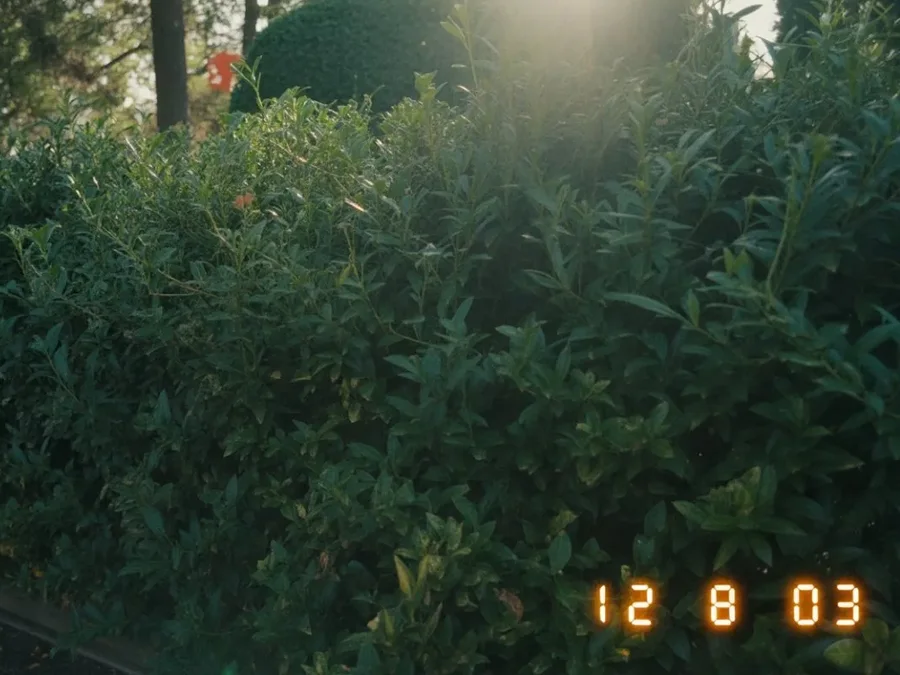 Before
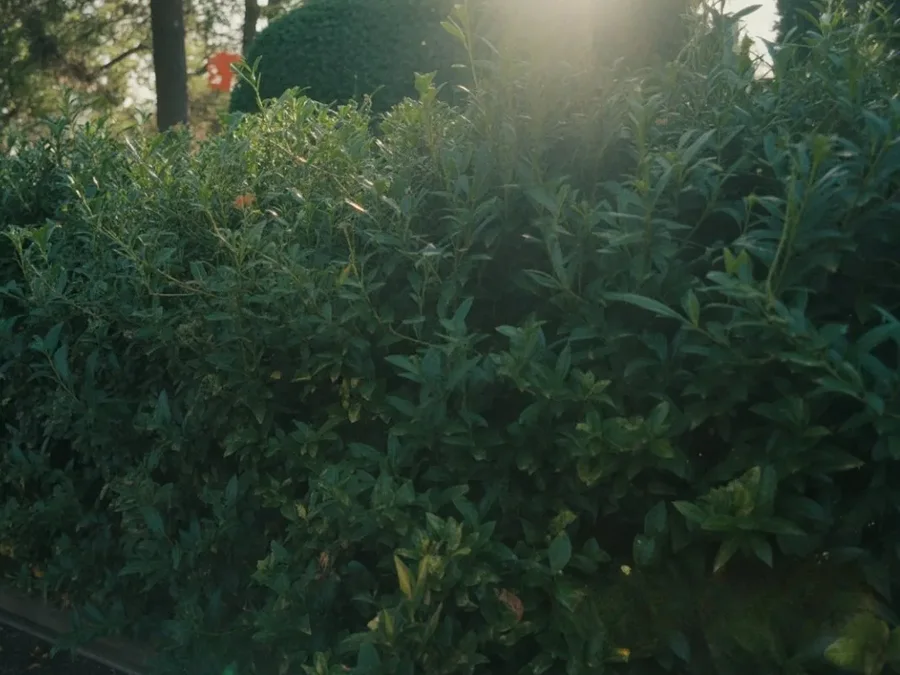 After · stand-in
acceptable · our run on a real photo; the picture is an AI-generated stand-in that came out clean
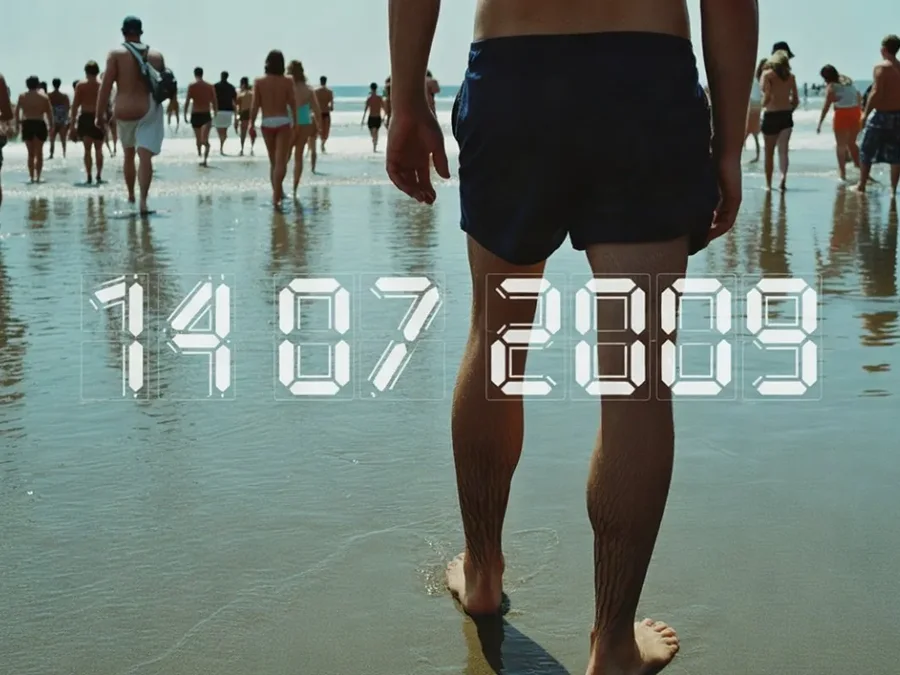 Before
 After · failed
failed · first pass · last digit stayed, second pass needed
No. A burned-in stamp is part of the picture, and the tool repaints pixels only. The downloaded PNG is a new file, so check its details if the saved date matters.
It can. On a beach photo our first brush stroke stopped one digit short, and that digit stayed until a second brush pass. Check the right end of the date.
A little. The picnic stamp came off but the grass and blanket edge softened, and foliage came out smoother. Compare the texture with the leaves beside it.
In our two tests, yes. Both were dates we drew by script, so a real camera stamp is not yet tested.

In the corner test, no pixel outside the marked area changed. Show changed pixels confirms the same for your photo.

Families with scanned film prints clear the orange date from a corner.
Try it on your photo →
Photographers and archivists clear a compact-camera stamp from a good frame.
Try it on your photo →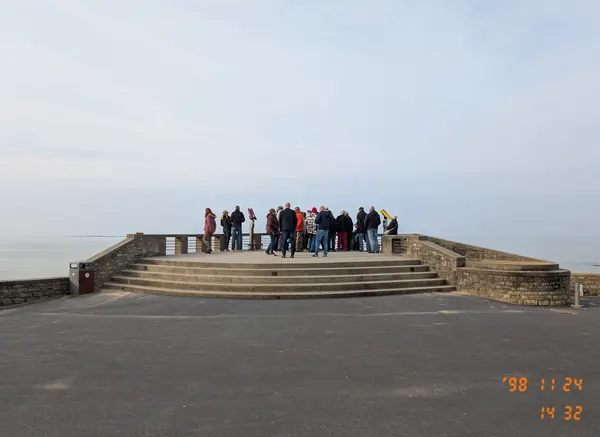
Sellers, hosts and anyone sharing an old trip clear it when the date is the only mark on the picture.
Try it on your photo →Pick the one that looks like yours. The result depends on what sits behind the digits, not on the date itself.
Examples at a glance. Tags come from our own runs: clean, acceptable, faint trace or failed. Cases with no run yet say not tested yet.
 cleanDate digits in a photo corner: clean
 faint traceOrange stamp on a picnic photo: faint trace (grass and blanket edge went soft)
 cleanWhite digits on a dark night photo: clean (painted with the brush)
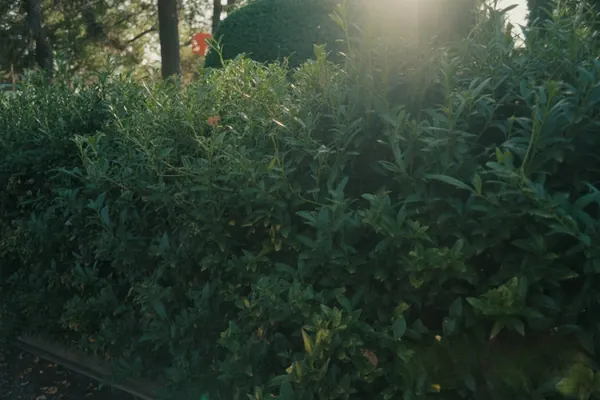 acceptableSmall orange digits over foliage: acceptable (one brush stroke worked)
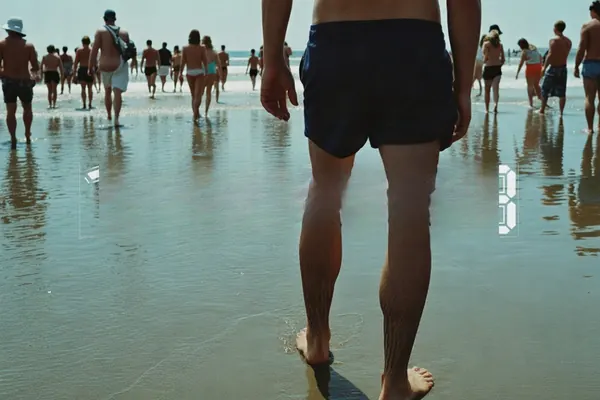 failedWhite digits over legs on a beach: failed on the first pass (one stroke of the last digit stayed)
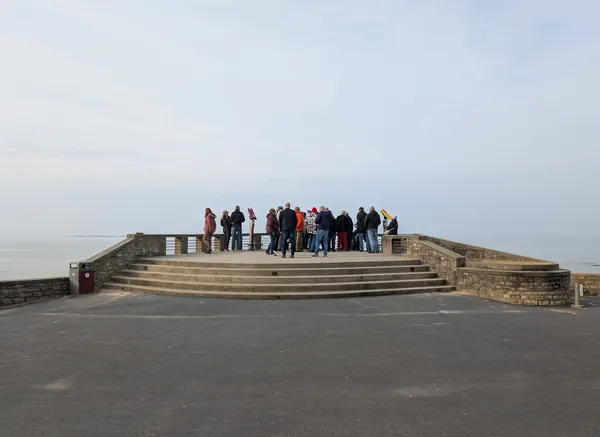 cleanOrange date and time on two lines over tarmac: clean. Composited example, painted in one pass
 cleanWhite date and time on two lines over a night railing: clean. Composited example, painted in one passnot tested yetDate with a place line: not tested yetnot tested yetDate stamp in front of a bright street lamp: not tested yetnot tested yetDate burned into a real scanned film print: not tested yetAI sampleAfter · faint trace
AI-generated sample, our removal, one run · faint trace
A small orange date such as 21 7 08 sits in the bottom-right corner, with a soft glow around each digit. Behind it are usually grass, a blanket or a wall.
Scan the print at the highest setting your scanner offers. Paint one thin band along the digits, a little past the glow at both ends.
Our picnic test lost the stamp, but the grass and blanket edge went soft, so we rated it a faint trace. We have not run a real film scan, only digits drawn onto photos.
CompositedAfter · cleanComposited example, date drawn by script, one run · clean
Bright digits sit on a dark sky, a night street or a black backdrop. Behind them is one flat tone, which is easy to copy.
Paint the date with the brush, then zoom in to see that the stroke reaches past the last digit. If it stops short, paint the missing end.
In our night test one brush band covered the whole date and the sky came back with no trace. We have not tried digits in front of a bright street lamp.
AI sampleAfter · stand-inAI-generated stand-in, one run: clean. Our run on a real photo was rated acceptable
Orange digits lie over foliage in the corner of a holiday photo. Behind them is a busy pattern with no flat patch to copy.
Use the brush on these digits. Paint one band the width of the date, not each digit alone, so the fill follows the leaf pattern across the gap.
In our foliage test the orange vanished and the leaves came out a little smoother. Compare the leaf texture with the leaves beside it before you download.
AI sampleAfter · failedAI-generated sample, our removal, one run · failed first pass
A white date runs across the legs of a crowd on a beach, or along the bottom of a group photo. Behind it are skin, clothes and sand in one strip.
Check the right end of your stroke, because ours stopped one digit short. Paint only the missing stroke for a second pass, and keep the brush off the faces nearby.
In our beach test one stroke of the last digit stayed after the first run, and the second brush pass cleared it.
CompositedAfter · cleanComposited example, brushed in one pass · clean
Some cameras print the date and the time, and sometimes a place, on two lines in the corner. Behind them is whatever the frame shows there.
Paint both lines, then run once. In our two tests, with dates we drew by script, one pass cleared both lines. If a ghost stays, run again on that line alone.
Afterwards, zoom in on the gap between the two lines. If the lines sit at the very edge, cropping them away costs less than a repair. These are composited examples, so we have not run a real camera stamp.
To remove a date stamp from a photo, brush one band over the digits, run removal, then compare and download.
Add a PNG, JPEG or WEBP up to 20 MB. For a paper print, scan it first.

Draw one band over the whole date and the glow around it, a little past both ends.
Run removal once. The price sits on the button.


Zoom into the corner and check the last digit, since a box can stop one short, then download when it is clear.
Only the area you paint, plus a thin blending margin of about 12 pixels, changes. Check it with Show changed pixels.
These methods need no upload. They take more time, and the right one depends on where the stamp sits.
Many cameras let you switch the date imprint off in the settings. A stamp already in the photo needs one of the methods below.
Works when the stamp sits at an edge. You lose that part of the frame.
Copy clean pixels over the digits. It is slow on grass, hair and gradients, where a repeated patch shows.
Lightroom and similar editors have a spot tool. It suits a small stamp on a smooth area.
If the photo was taken on a phone, the date is usually stored in the file, not drawn on the picture. Check before you edit.
Faint traceThe picnic photo shows it. The digits came off, but the texture behind them softened.
Failed first passSmall, orange or seven-segment digits are easy to leave short, and a stroke can stop one digit short. Brush over them, and check the last digit.
Pixels onlyA burned-in stamp is part of the picture. The date saved in the file's details is separate, and this tool repaints pixels only. The downloaded PNG is a new file, so check its details if the date matters.
Keep the originalOnly edit photos you own. Keep the original of any photo that serves as evidence or as an official record.
BeforeAfter · faint traceNot on this page. You paint the date with the brush, a little past its edges, and the removal fills it from the surroundings. It worked on white digits over a dark sky and on orange film digits.
Yes. Scan the print, upload the scan and remove the digits like any other stamp.
Sometimes. Digits on a dark sky came off with no trace. Digits over leaves left the foliage a little smoother, and digits over a crowd needed a second pass on the last digit.
Yes. Paint both and run once. If they sit on different backgrounds, two runs give a cleaner result.
For other words on a picture use remove text from image. For stickers see remove emoji from picture.
Choose a photo you can edit, paint the date, and check the result.
Remove date stampFree photos refresh every day. Plans and credit packs are in the panel below.