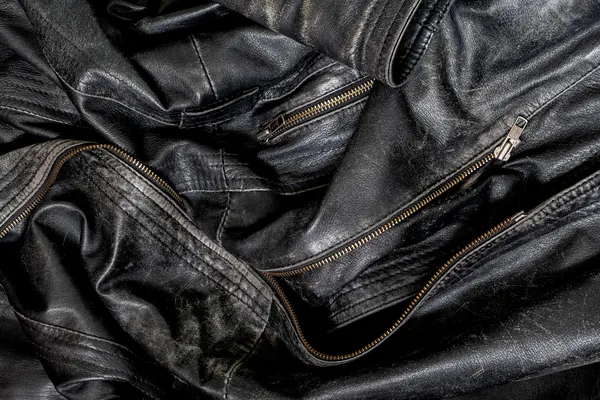
 Before
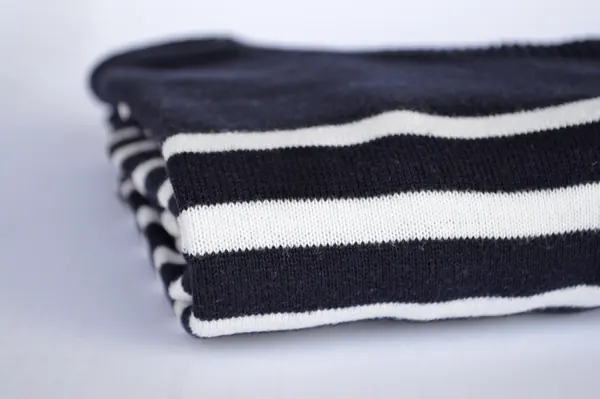 After · clean
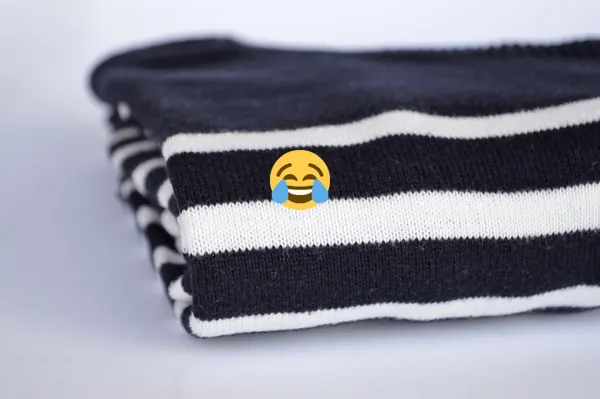
Striped knit
clean · one run
Remove an emoji from a picture by brushing over it. Watermark Eraser fills the painted shape from the pixels around it, and you compare the result before you download.
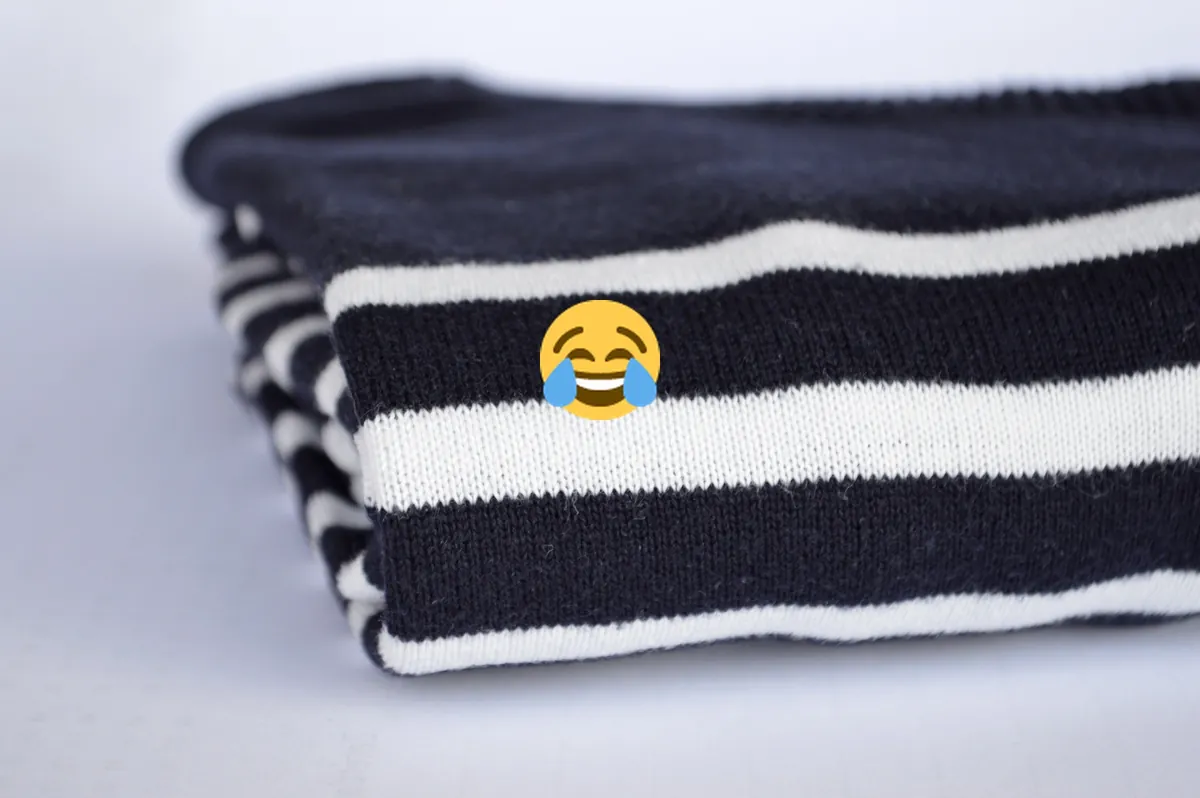
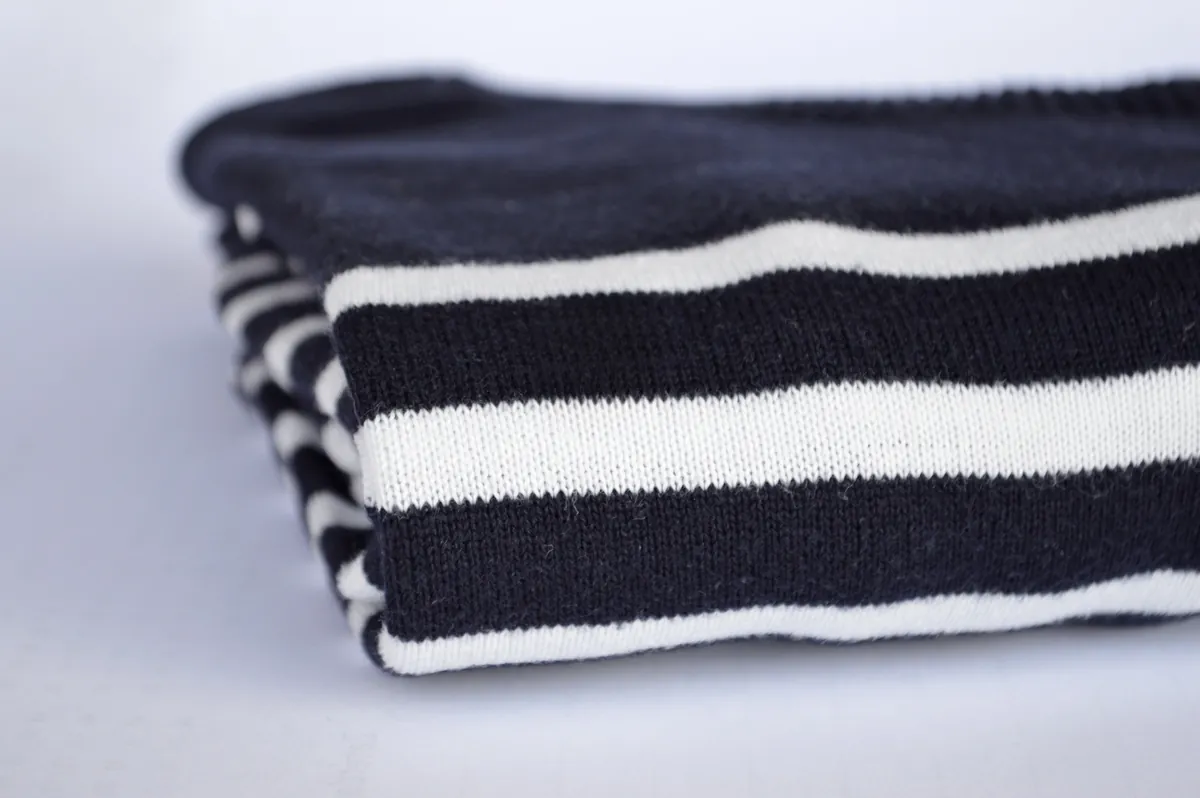
One quick check before we start.
Yes, an emoji can come off a photo. In our 12 test images it came off cloth, sky, walls and skin cleanly 8 times out of 8. A face it covered cannot be found again, because what fills the gap is a different face.
The tool works best when the emoji sits on cloth, sky or a wall. Brush over the whole emoji and run removal. You paint the emoji yourself, and only what you brush is repainted.
Guests get 3 free removals a day with no account, and the download carries no Watermark Eraser mark. In our runs, one removal took 8 to 27 seconds.
We put a Twemoji emoji on 12 free-to-use photos and ran one removal per image. We judged each result by eye, and a person brushing may do better or worse.
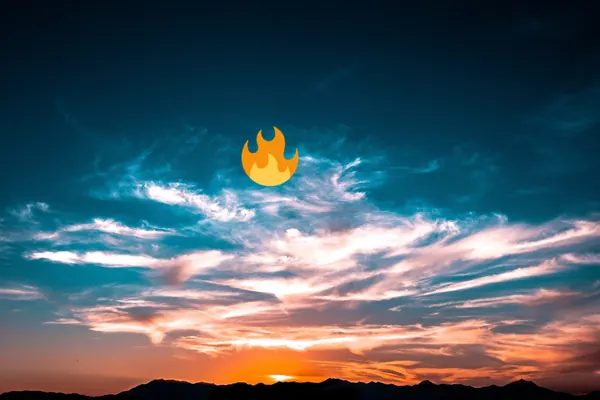
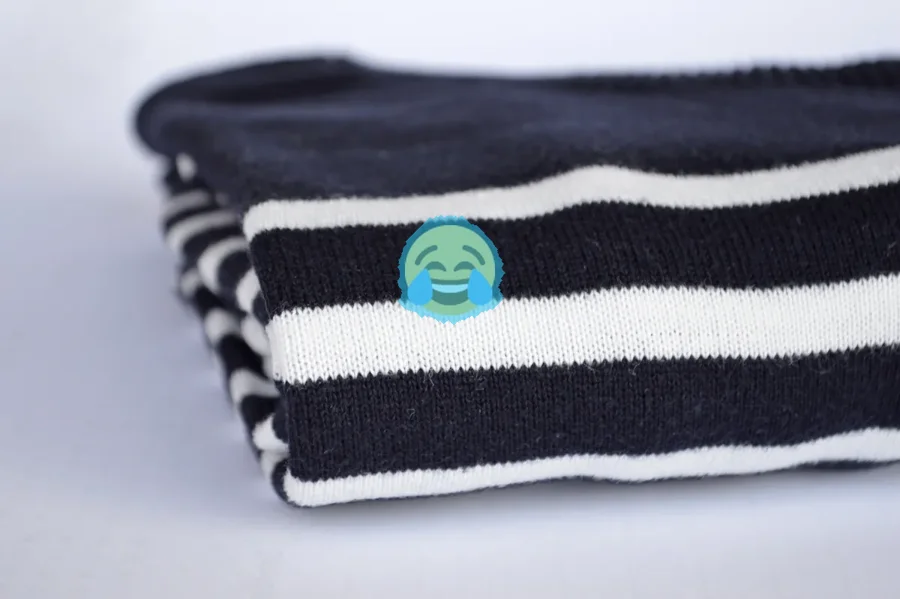
Eight of eight came off clean on cloth, sky, walls and skin. Those were a striped knit, a sweater cuff, black leather, two skies, a rough wall, an arm and the back of a hand. The emoji vanished, and the stripes, clouds and grain ran on.
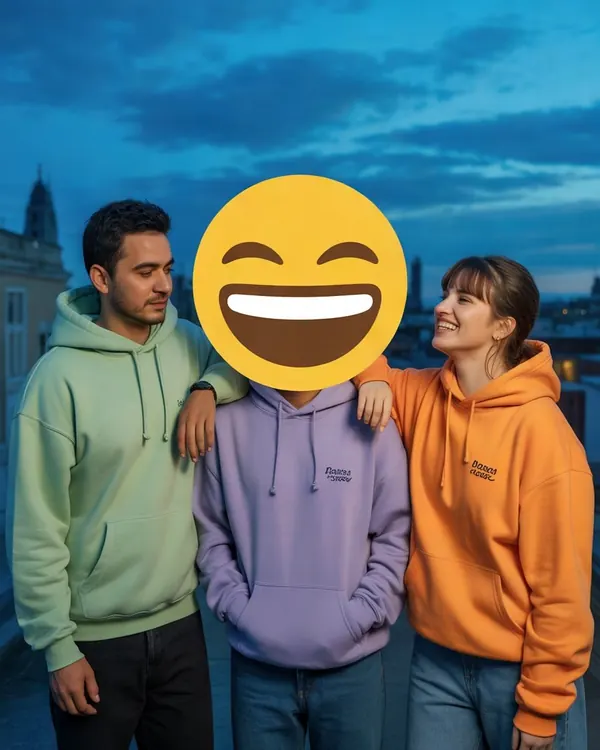
Clean means nothing shows at normal viewing size. Four of four on faces went wrong. Three filled in a different eye, nose or profile.
The fourth, a close-up, looked natural until we zoomed in, and then the nose bridge and eye were plainly invented. We do not show the face images.
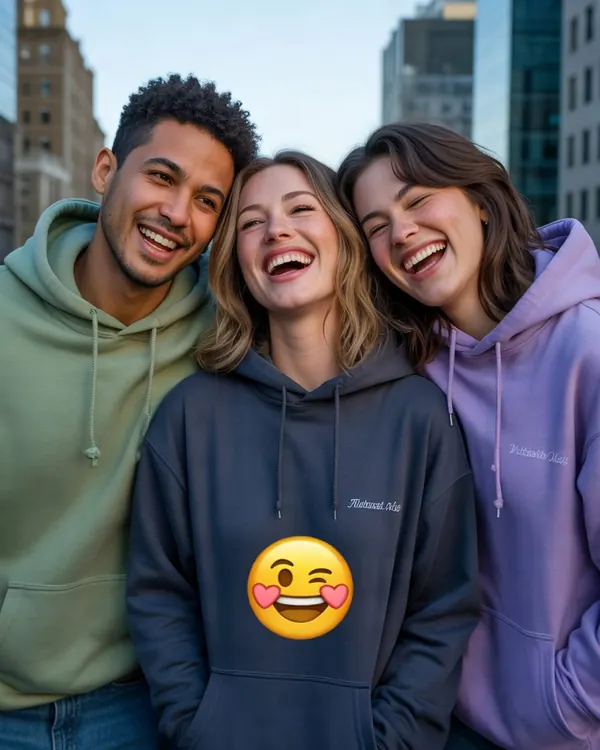
Earlier, on a generated group photo, a winking emoji on a navy hoodie also came off clean.
BeforeAfter · cleanclean · one run
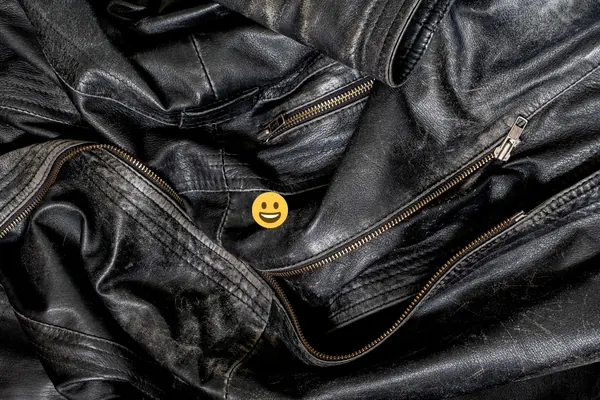 Before
 After · clean
clean · one run
 Before
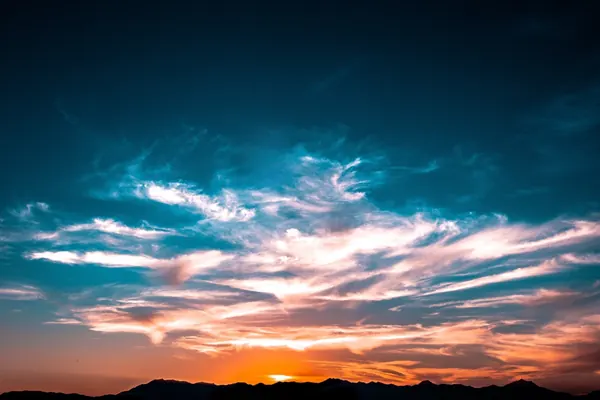 After · clean
clean · one run
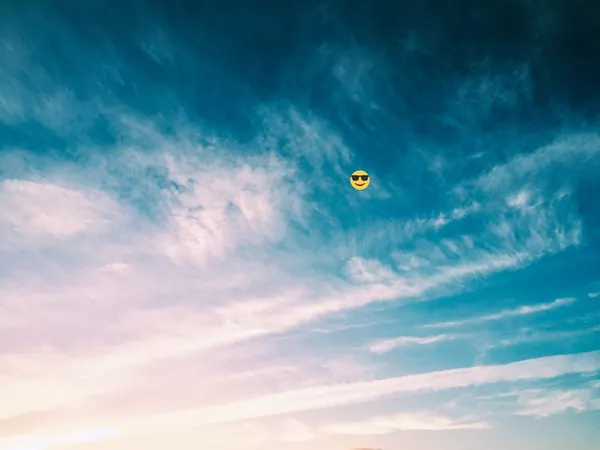 Before
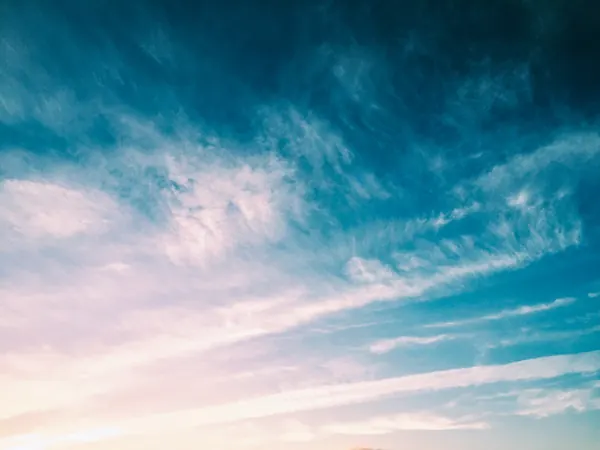 After · clean
clean · one run
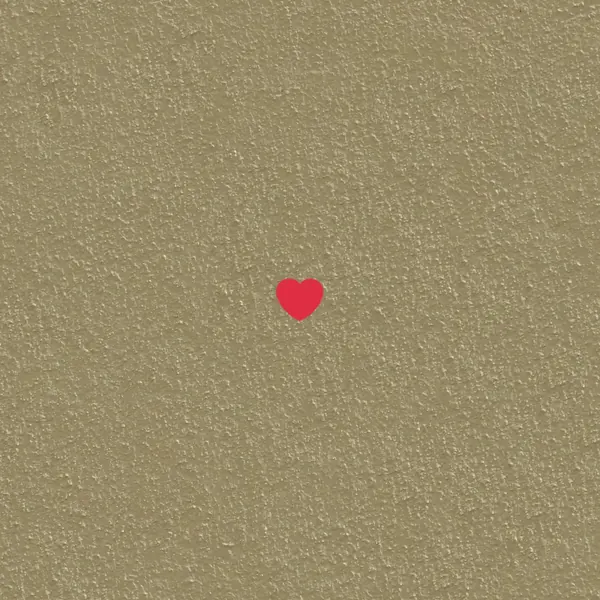 Before
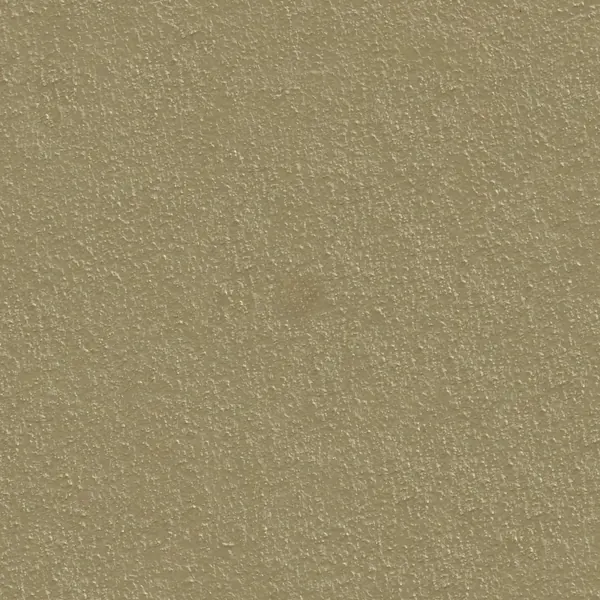 After · clean
clean · one run
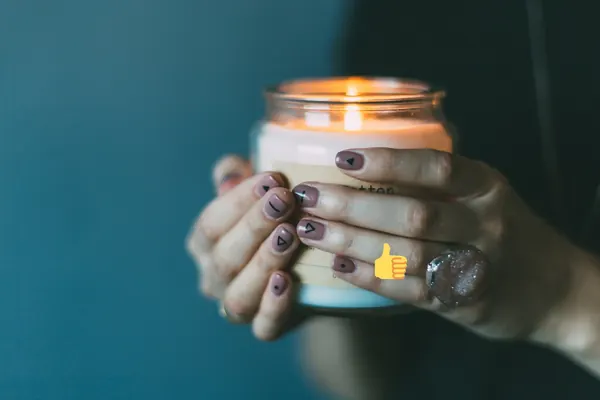 Before
 After · clean
clean · one run
Twemoji graphics © Twitter, Inc. and other contributors, CC-BY 4.0. Base photos: CC0.
Three things matter most. What the emoji covers decided our results. We have no size or sharpness comparison yet, so those two are not rated.
A small emoji leaves little to rebuild. A big one hides more of the picture, so the fill has more to guess.
Cloth, sky, walls and the skin of an arm or hand repeat, so they filled well: 8 of 8 clean. A face is gone from the file, and all 4 face runs filled in different eyes or noses. Hair and text are not tested yet.
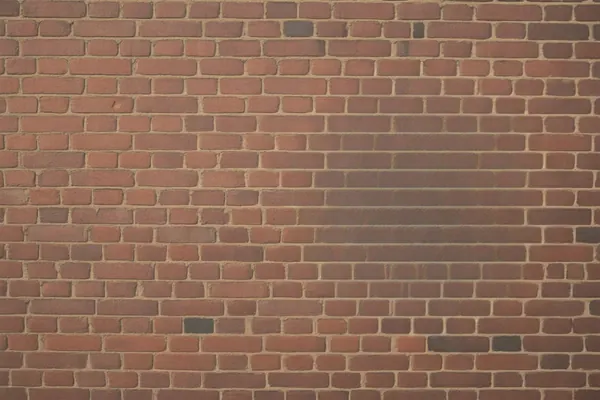
A full-size file gives the tool more to copy from. A small or compressed screenshot gives a softer patch.
If you put the emoji on yourself, the original may still be one tap away. Check this before you paint anything.
In Google Photos, open the photo, tap Edit, then tap Revert. In the Photos app on iPhone, the edit view has a revert option that brings back the unedited original. Both only work if the emoji was added in that app and you did not save a copy.

Look in your cloud backup or camera roll for the version without the emoji. If someone sent you the picture, ask them for the original file.
Examples at a glance. Tags come from our own runs: clean, acceptable, faint trace or failed. Cases with no run yet say not tested yet.
cleanEmoji on cloth (striped knit, white sweater cuff, black leather): clean, 3 of 3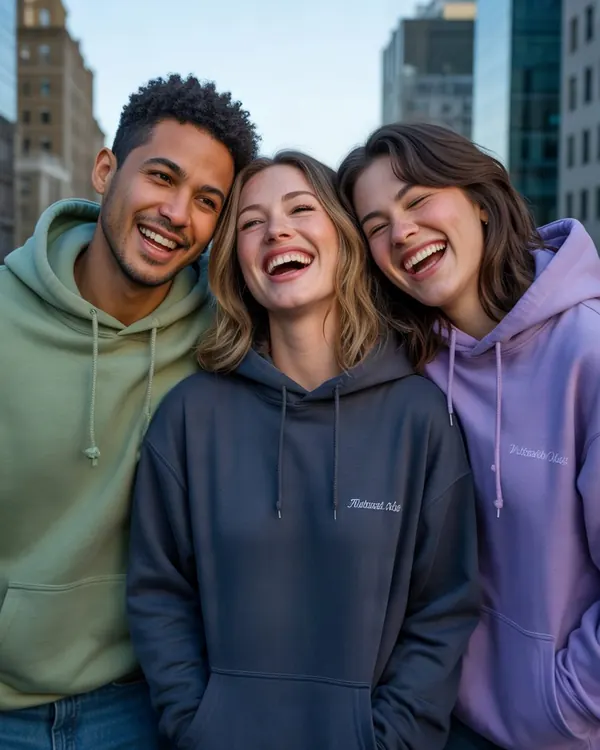 cleanEmoji on a navy hoodie in a generated group photo: cleancleanEmoji on a blue sky or a sunset cloud layer: clean, 2 of 2cleanEmoji on a rough wall: cleancleanEmoji on an arm or the back of a hand: clean, 2 of 2
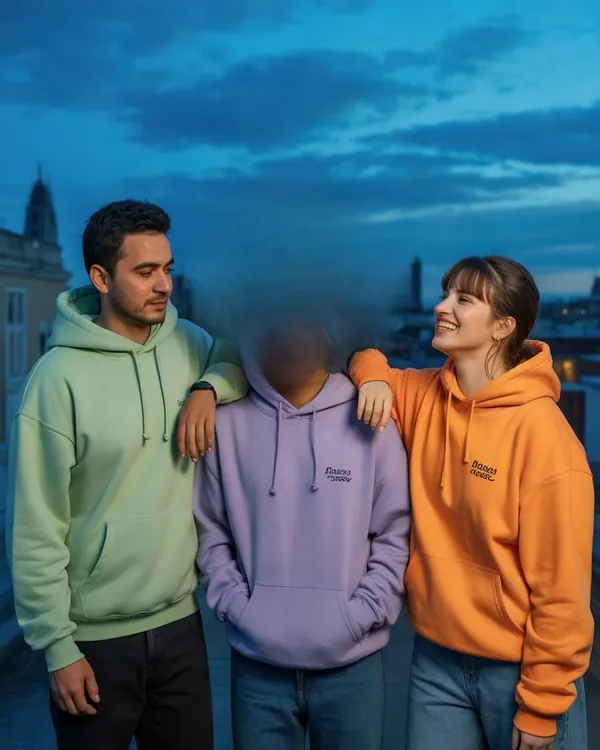 failedEmoji over a face (eye, nose, whole eyes): failed 3 times; one more looked fine until we zoomed in, and the face was still invented
 not tested yetEmoji over a busy pattern or hair: not tested yet
 not tested yetEmoji added in a phone editor: not tested yet
 not tested yetEmoji on a screenshot: not tested yetnot tested yetSmall emoji in a corner: not tested yetnot offeredEmoji as a text character: not offered, because the tool works on pictures
 not offeredAnimated emoji: not offered, because only still images work
 AI sampleAfter · clean
AI-generated sample, our removal, one run · clean
A laughing emoji dropped on a knit sweater, a shirt or a blank wall. Behind it is fabric or paint, which has little detail to lose.
Paint the whole emoji and a few pixels past its edge, so any glow or outline goes with it. Keep faces and hands outside the brush.
In our tests, cloth and wall came back clean. The best was a laughing emoji across black and white stripes, where the stripe edges still met. Each is one run per image.
 AI sampleAfter · failed
AI-generated sample, our removal, one run · failed
A smiling or winking emoji placed over a friend's face, often to hide who it is. Behind it are the eyes, nose and mouth, and none of them is in the file any more.
If you still try, paint only the emoji and a thin edge. The fill will be a face-shaped guess, so treat the result as a drawing, not a recovery.
Four of our runs on faces all went wrong: the fill was a different eye, nose or profile. Someone may have put the emoji there on purpose, so ask first and do not use the result to identify anyone.
To remove an emoji from a picture, save it as an image, brush the whole emoji, then run removal and compare.
Save the chat or story as a picture, then add it (PNG, JPEG or WEBP, 20 MB max) or pick a sample.
Cover the whole emoji and a few pixels past its edge, since a glow or outline left behind still shows. Keep the brush off the faces around it.
Press Remove. The button names its cost beforehand.
Check what the emoji covered, since over a face the fill is a drawn guess, then save the file.
Only the area you paint, plus a thin blending margin of about 12 pixels, changes. Check it with Show changed pixels.
Twemoji graphics © Twitter, Inc. and other contributors, CC-BY 4.0. Base photos: CC0.
These methods need no upload. They take more time, and the right one depends on what the emoji covers.
Ask the sender for the picture without the emoji. Nothing is guessed, so this is the cleanest result.
Some apps let you delete an emoji you added until you save. After you save it, the emoji is part of the picture.
Copy clean pixels over the emoji. It works on plain cloth and walls, and it is slow on skin and detail.
Works when the emoji sits at an edge. You lose that part of the frame.
The face under it is not in the file. In our four face runs, the tool painted different eyes or noses, so it cannot show the real face. Do not rely on it to identify anyone.
Hair, fur, patterned cloth and small text can come back soft. Keep them outside the brush where you can.
This tool works on pictures. To delete an emoji character from a sentence, edit the text itself.
Only still images work. Save a still frame first.
No. The face is not in the file. In all four face runs the fill was a different eye, nose or profile, and one close-up looked natural until we zoomed in.
Not if you brush a few pixels past its edge. On cloth, sky, walls and skin, 8 of 8 came off clean.
Probably, because there is little detail to copy. We have not tested a screenshot, so use the largest copy you have.
In our 12 runs, pixels outside the painted area were identical. On your copy, Show changed pixels marks the emoji shape alone.
Ask them first, and do not use the result to identify anyone. The fill is a new face, not the person.
 BeforeAfter · faint trace
Yes. A screenshot is a picture like any other. Brush over the emoji, and expect a softer fill if the screenshot is small or compressed.
No. The covered pixels are not in the file, so the tool fills in an estimate from the area around. Over a face, that estimate is a guess, not the real face.
No. The covered pixels are not in the file, so the fill is a new face shaped by the picture around it. Treat it as a drawing.
It can paint over it, but the result is not the person behind it. Look for the original photo first, and only edit a picture you have the right to change.
Brush a few pixels past the edge, use the largest copy you have, and paint any leftover edge in a second run.
Only the area you paint, plus a thin blending margin of about 12 pixels. In our 12 runs, pixels outside the blending margin were identical. Show changed pixels marks what moved.
Free results are kept for 24 hours and then deleted.
Yes. Paint each emoji and run once, or split them into two passes when the backgrounds differ.
Yes, once you have the picture saved as an image. The saved file has the emoji baked in, like any other picture.
For words on a picture use remove text from image. For anything else, try remove object from photo. For a sticker rather than an emoji, see remove sticker from photo.
Choose a picture you can edit, paint over the emoji, and check the result.
Remove emojiFree photos refresh every day. Plans and credit packs are in the panel below.