Remove Text from Image
Swap old words, keep the picture. Paint over a price, date or name; only the painted area is rebuilt.
- ✓Free to try
- ✓No sign-up
- ✓Only the area you paint changes
One quick check before we start.
3 free images a day without an account · 5 a day at original size when signed in.
Old words out, on real test images
These before-and-after pairs come from generated images tested with one removal run each.
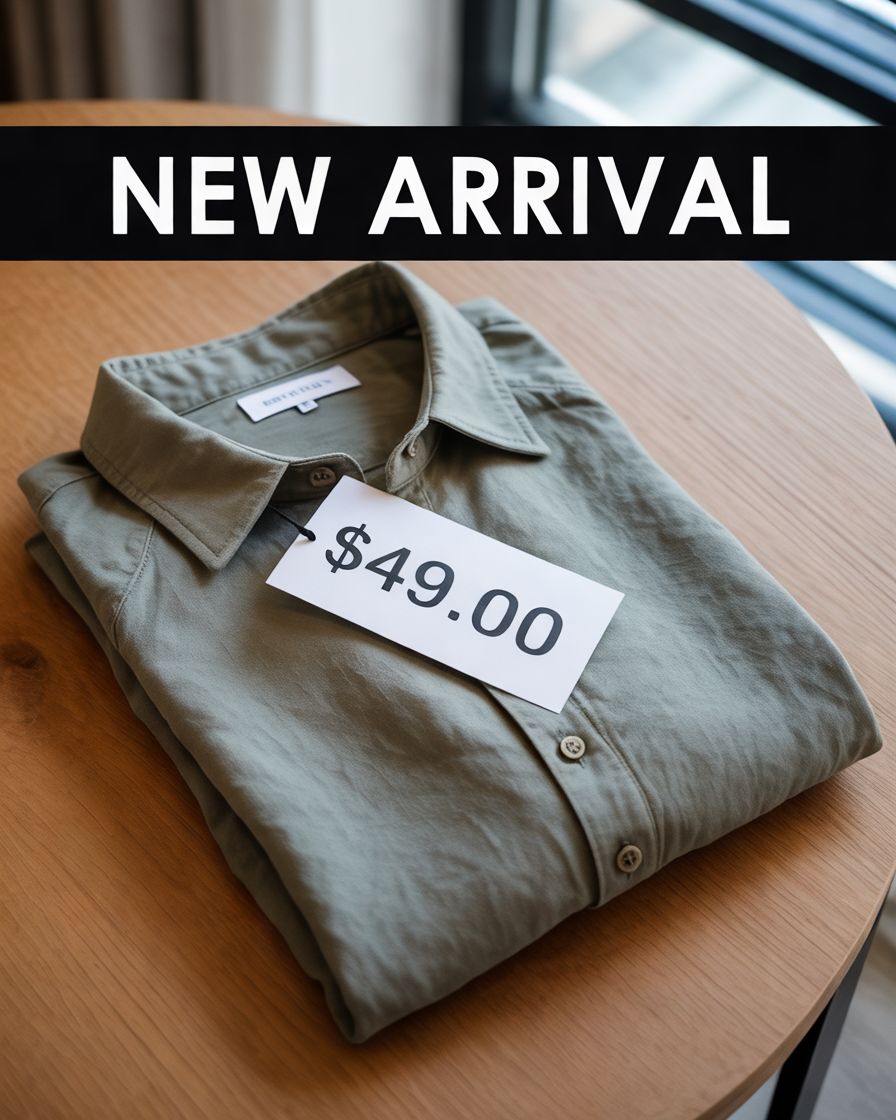 Before
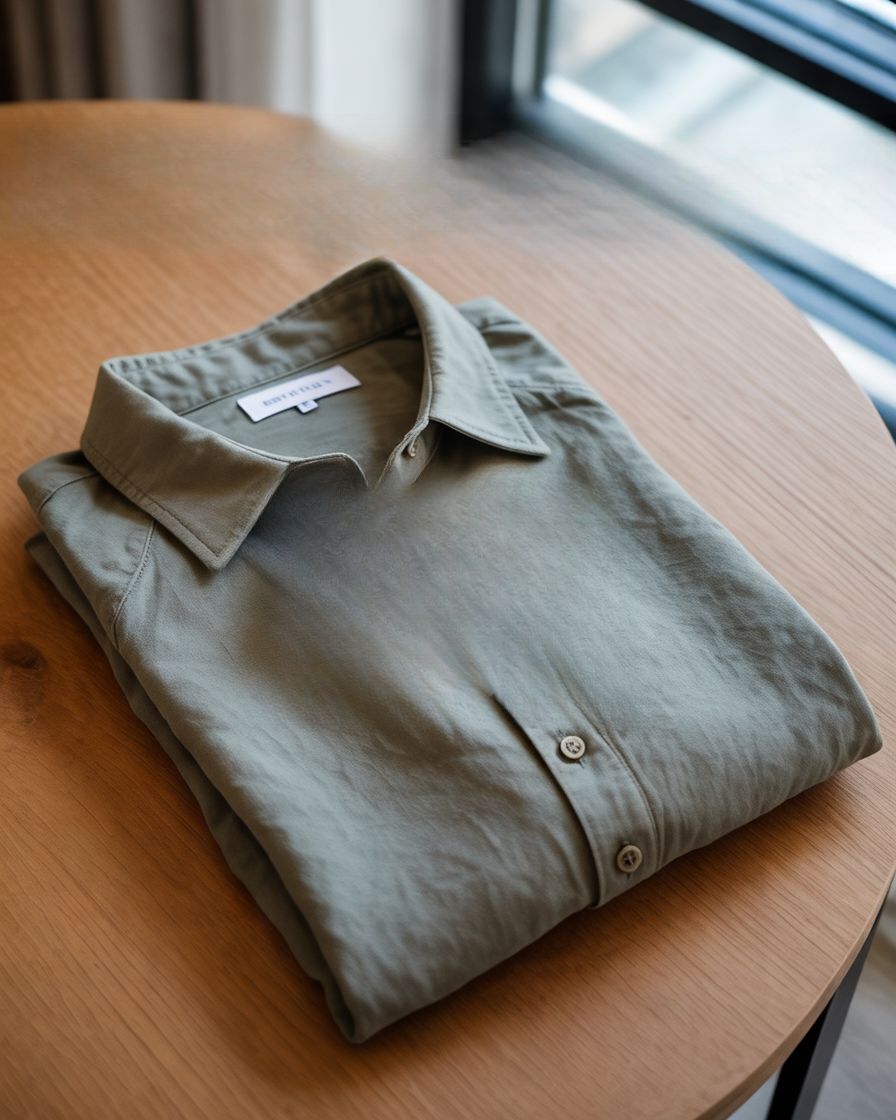 After
Price tag and banner
On the folded shirt, the price tag and NEW ARRIVAL banner disappeared; the table below the banner looked slightly soft.
 Before
 After
Italian menu
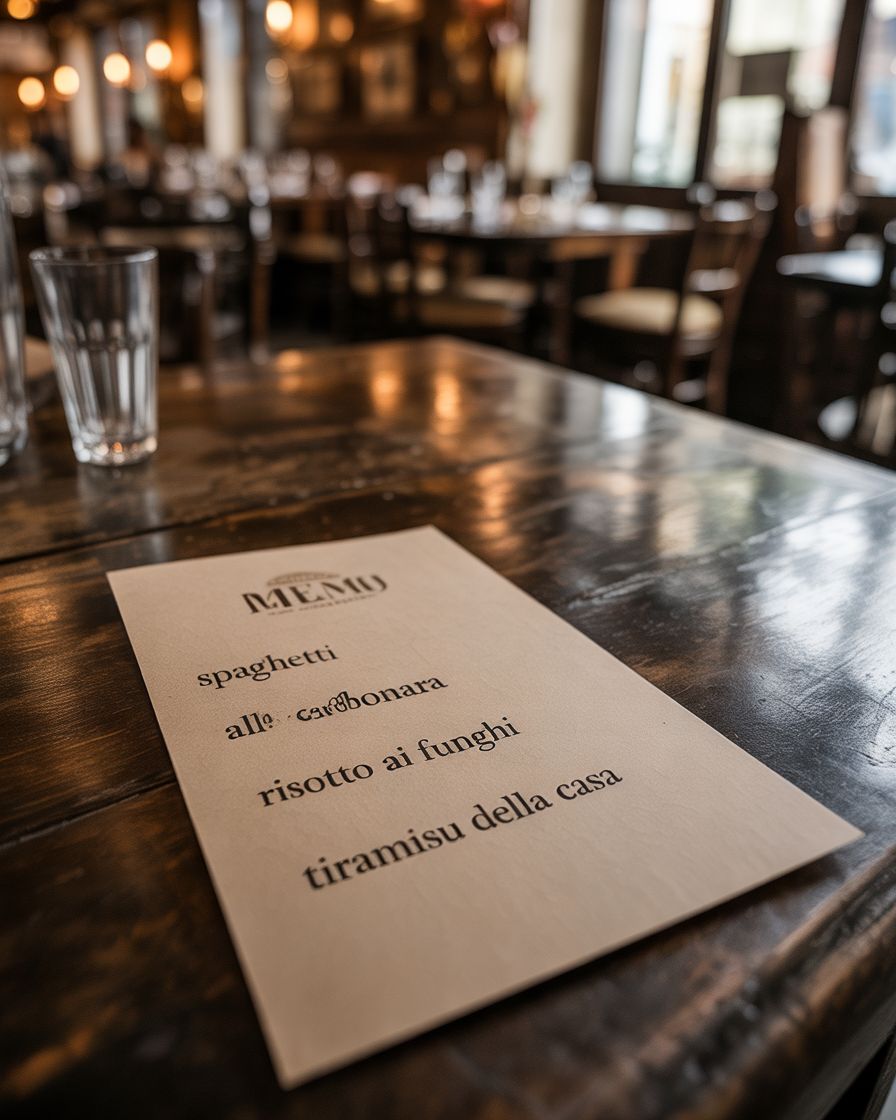
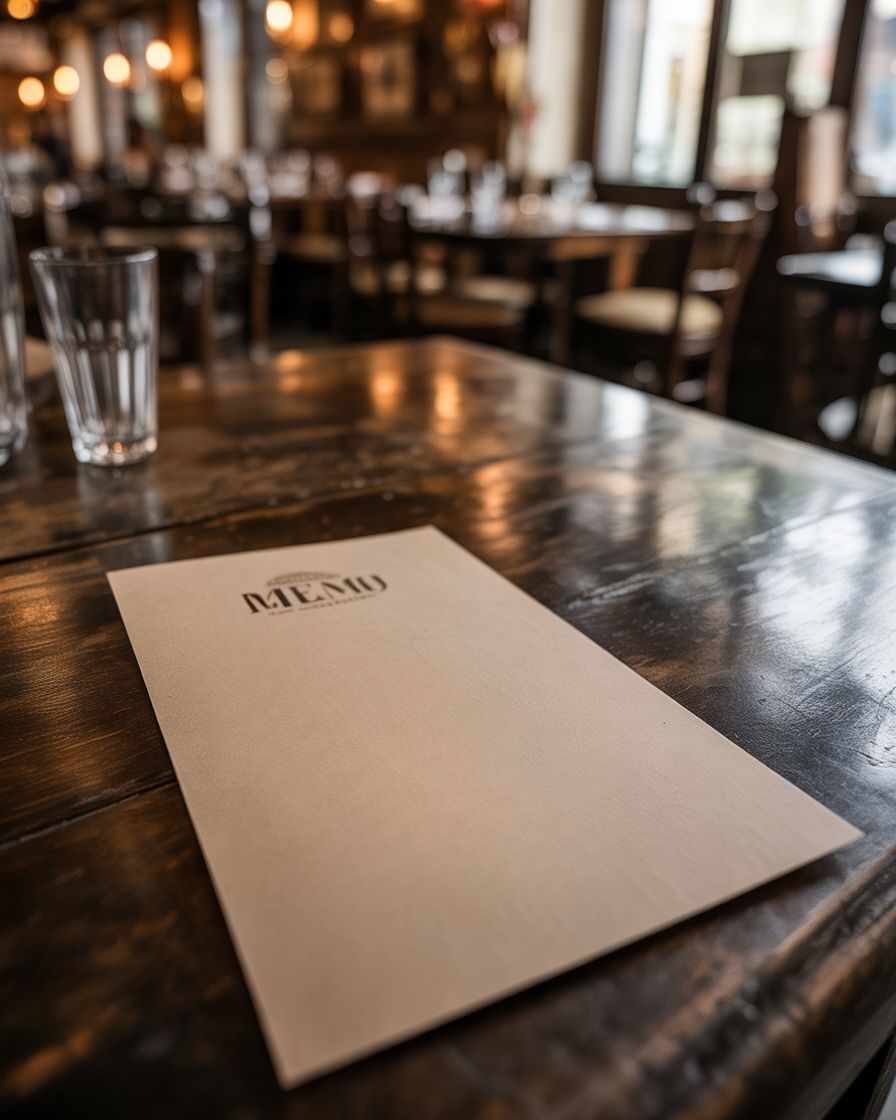
On the restaurant menu, three dish names came off while the paper kept its perspective.
 Before
 After
Chat screenshot
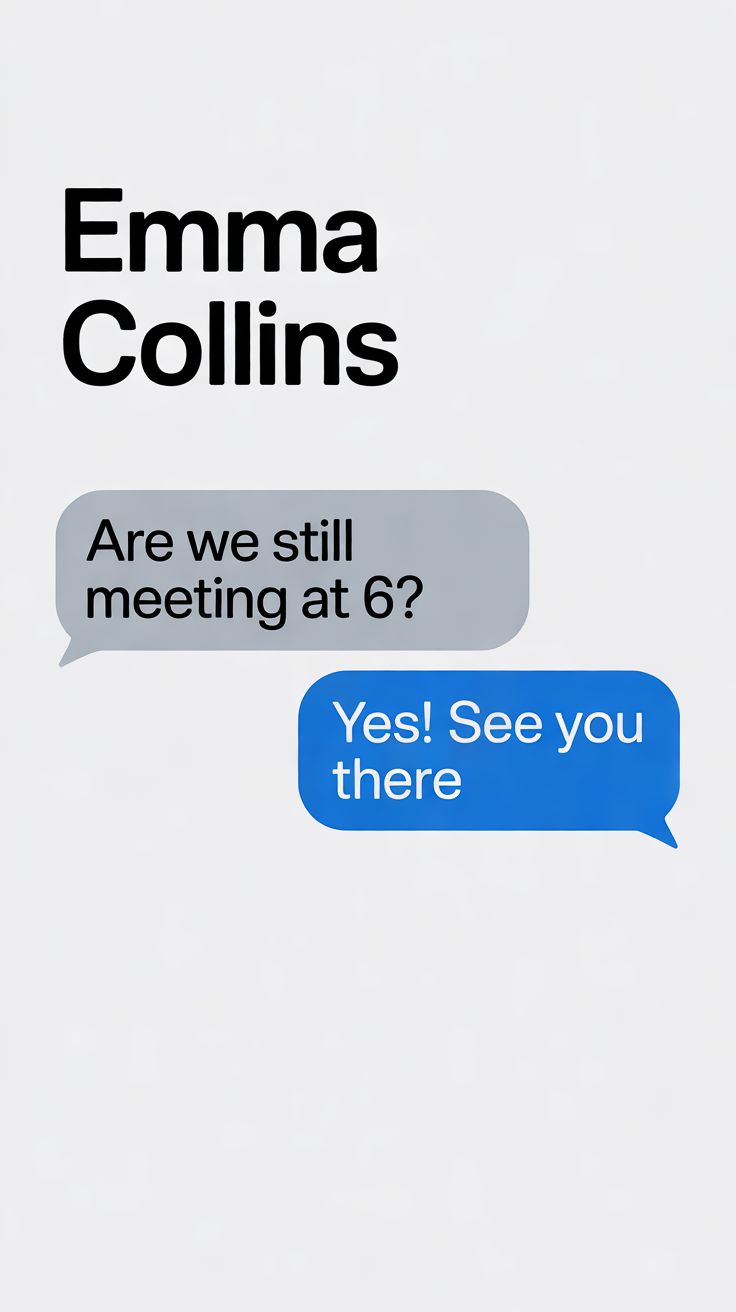
In the chat screenshot, the contact name and both message bubbles disappeared when the bubbles were included in the selection.
What text do you need to swap?
Product prices and labels
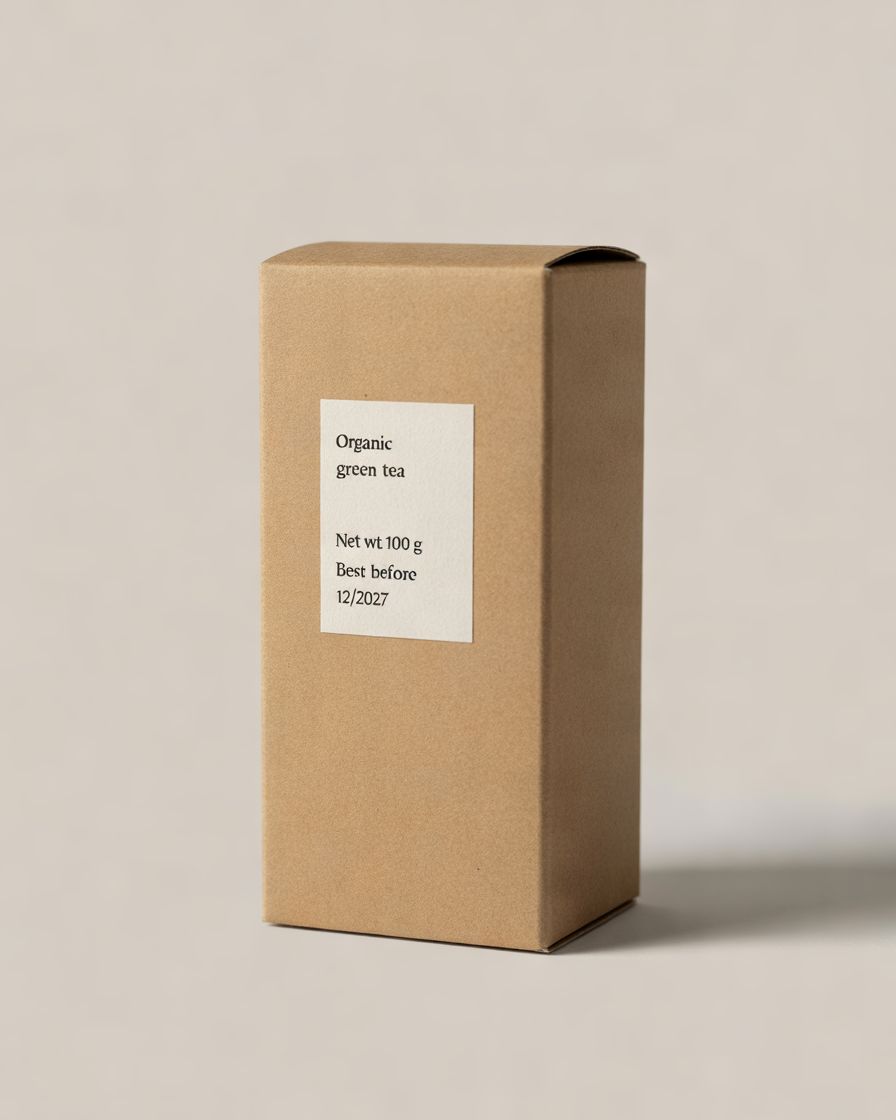
Reuse a product photo after a price change. On the tea box, the small label text came off and the blank white label stayed. Paint the whole tag if its backing should go too.
Try it on your image →
Dates and event posts
Update an event image without rebuilding the layout. The hand-lettered Sunday Brunch title came off the marble, and the veins stayed.
Try it on your image →Menus and signs
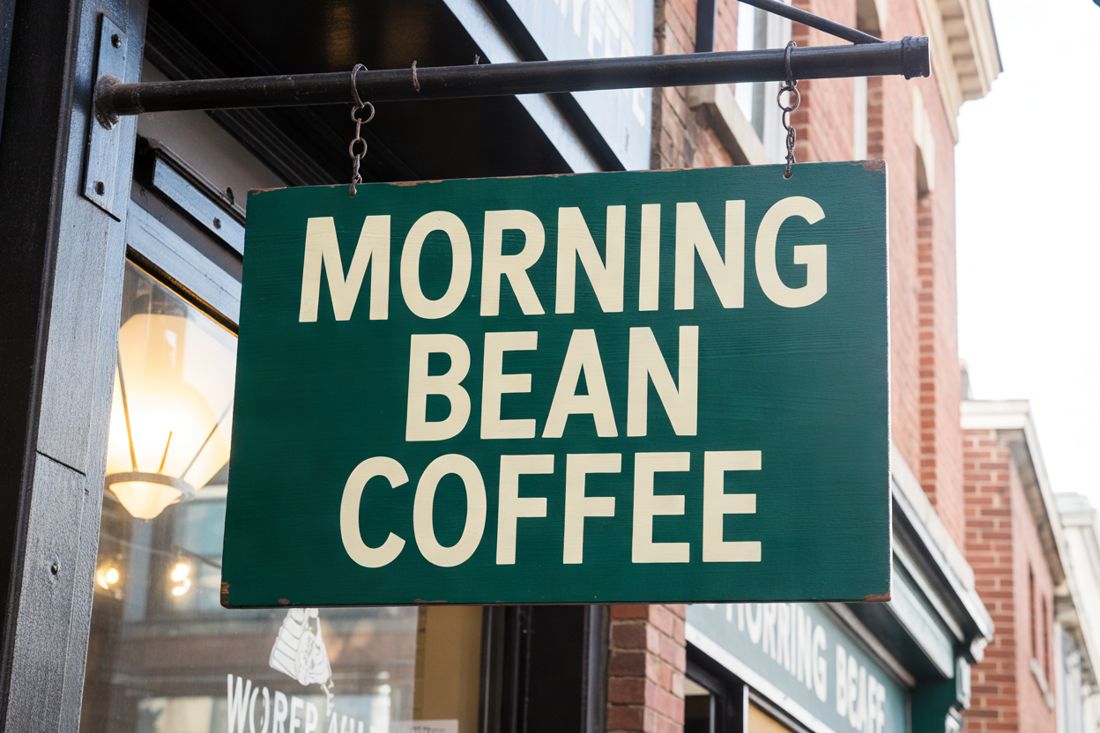
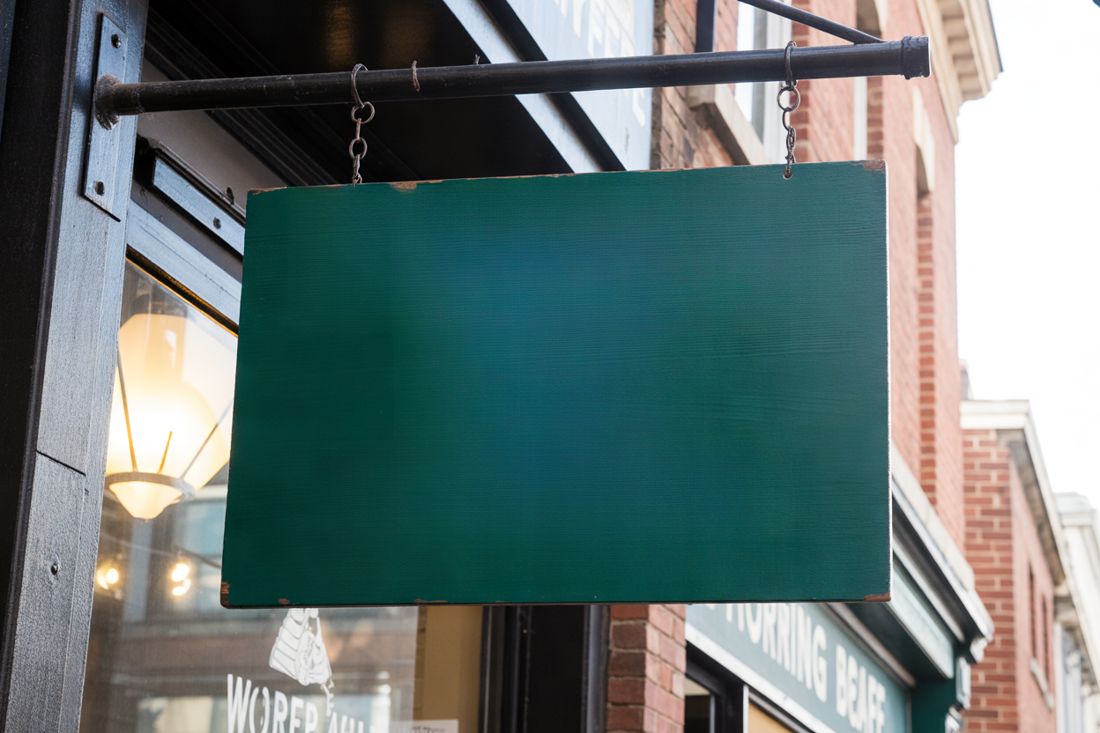
Clear old wording before you add a translation. The three lines on the green café sign disappeared; small lettering outside the selection stayed.
Try it on your image →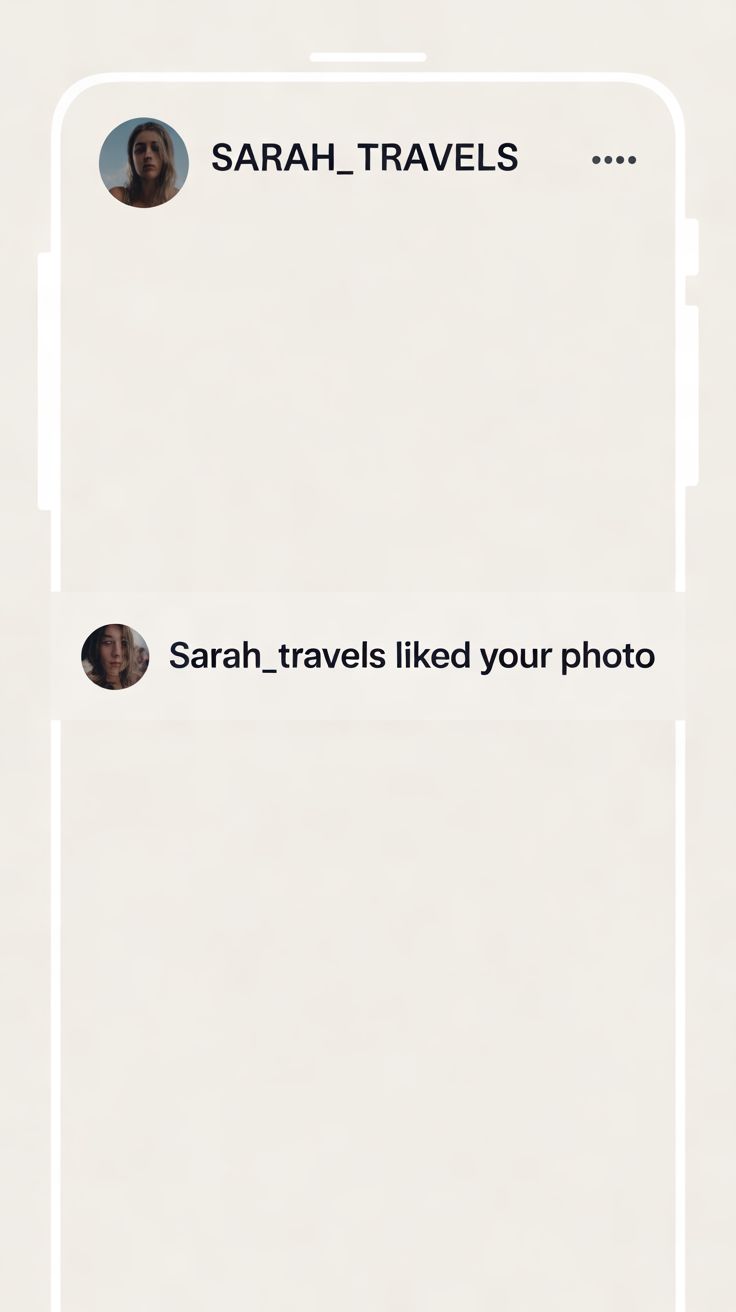
Chats and app screens
Remove a name before you share a screenshot. On the app screen, the username and notification text came off; the profile picture and menu dots stayed.
Try it on your image →Slides
Paint the title and words; leave bullet dots unpainted.
Thumbnails
Large text crossing a face blurs the face inside the selection.
Watermarks on photos
Use the separate photo tool for logos, date stamps and stickers.
How to remove text from an image in 3 steps
To remove text from an image in 3 steps, upload it, paint over the words, then compare and download.
Upload
Drop an image, paste with Ctrl+V, choose a file or load a sample. A sample does not run automatically.
Paint over the words
Cover letter edges and shadows. Include a backing strip or bubble if it should disappear too. The button shows the amount before you run removal.
- BeforeAfter
Compare and download
Drag the comparison line to inspect the result. A failed run returns the allowance or credits.
What text removal can clear — and what it can’t

Captions and subtitles
The travel caption left the cobblestones intact.
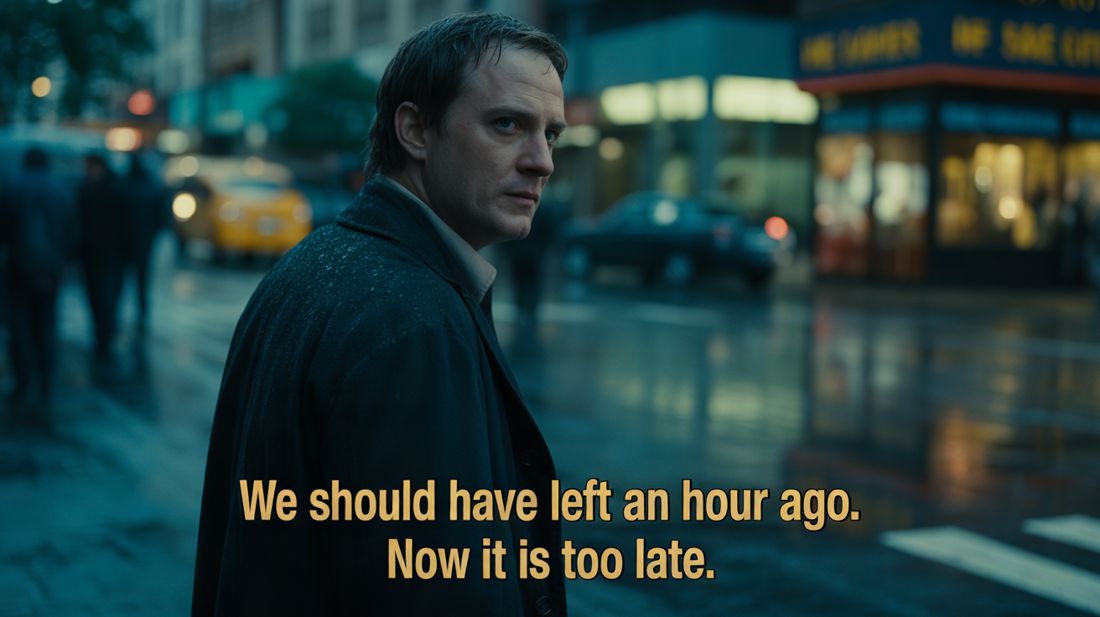
The film subtitles disappeared, though tiny specks were visible when zoomed in.
Prices, labels and signs
The folded-shirt tag and tea-box label text disappeared.
The green sign became an even color, while nearby window lettering outside the selection stayed.
Names in screenshots
The chat name and message bubbles disappeared when the selection covered both; the app example kept its profile image and menu dots.
Best when: the text is separate from profile pictures and other details you want to keep Gradient blur
Large text over a gradient
The summer poster’s title and date came off, but the orange sky turned into a blurred patch.
 Face blurred
Text crossing a face or a textured scene
The thumbnail text crossed a face, and the selected face area became a blur. Large script on the postcard left a dark teal patch. Graffiti removal blurred wall texture and left grid seams.
 Dark box left
A dark or translucent backing
On the shirt image, the text disappeared but a dark rectangle remained because it was outside the selection. Paint the full backing if it should be removed.
18 images we tested, one run each
We tested 18 generated images with the production removal path, one run per image. End-to-end times ranged from about 2 to 10 seconds across these individual runs. Clean means no visible text, outline or obvious patch at normal size; Faint trace means a mark or damaged background remained.
Eleven results were Clean and seven were Faint trace. All 18 checks found zero changed pixels outside the measured selection mask. These single-run examples describe only these images and do not predict results for other pictures.
- Shirt price tagClean · 8 s
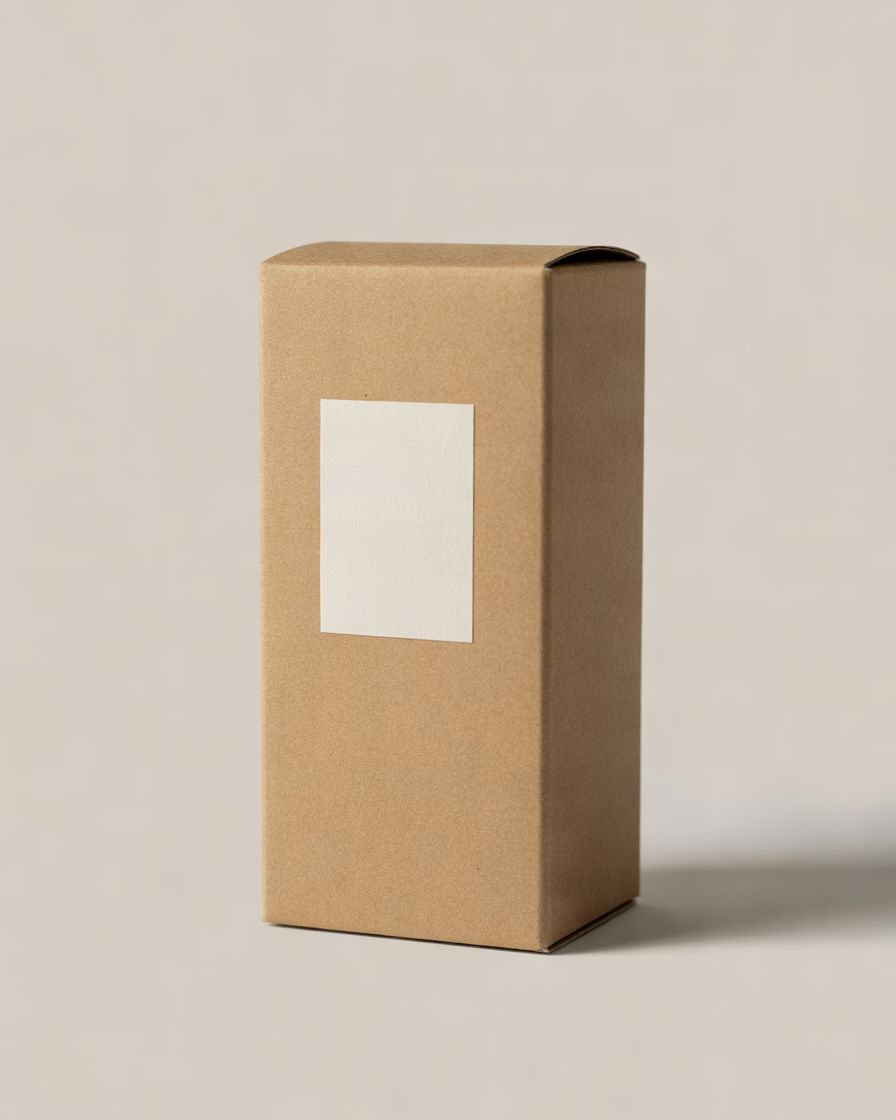 Tea box labelClean · 3 s
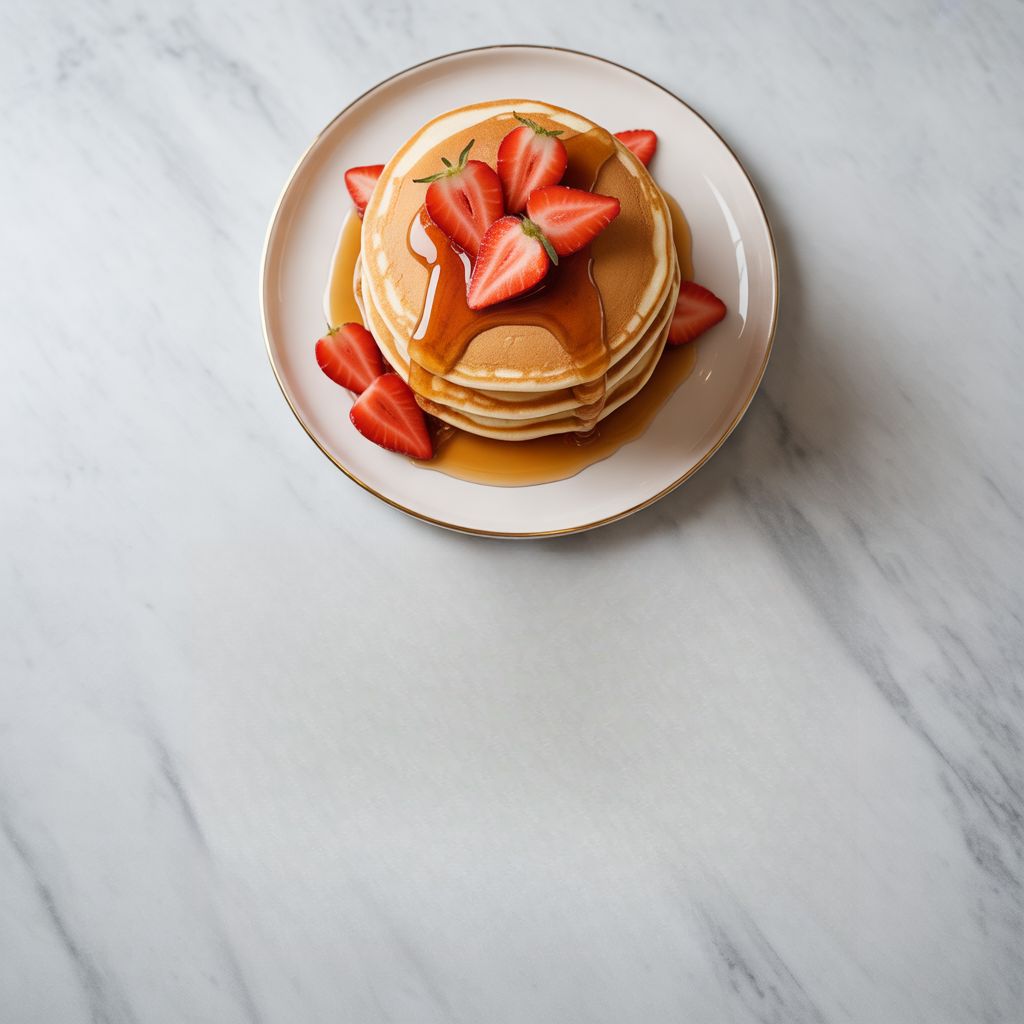 Brunch titleClean · 10 s
- Poster titleFaint trace · 4 s
- Italian menuClean · 7 s
- Café signClean · 6 s
 Slide titleClean · 3 s
- Thumbnail textFaint trace · 4 s
- Chat namesClean · 2 s
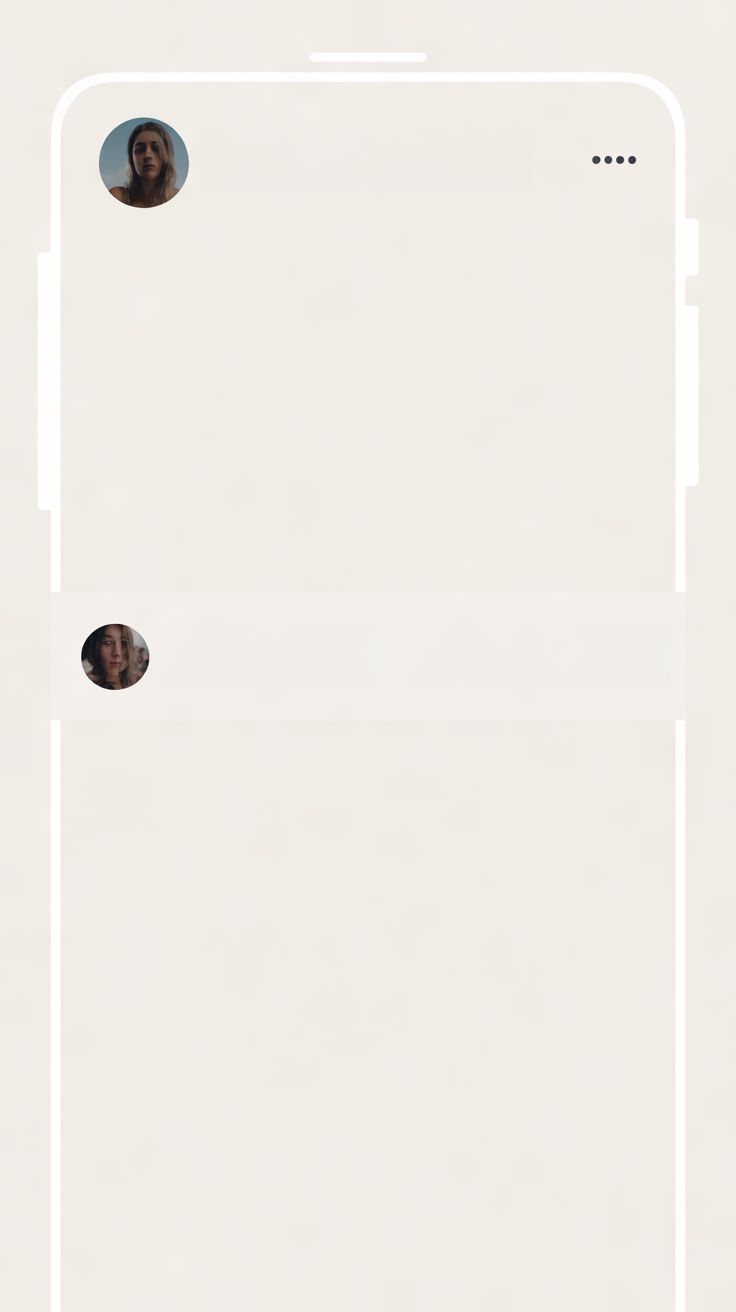 App usernameClean · 2 s
- Travel captionClean · 8 s
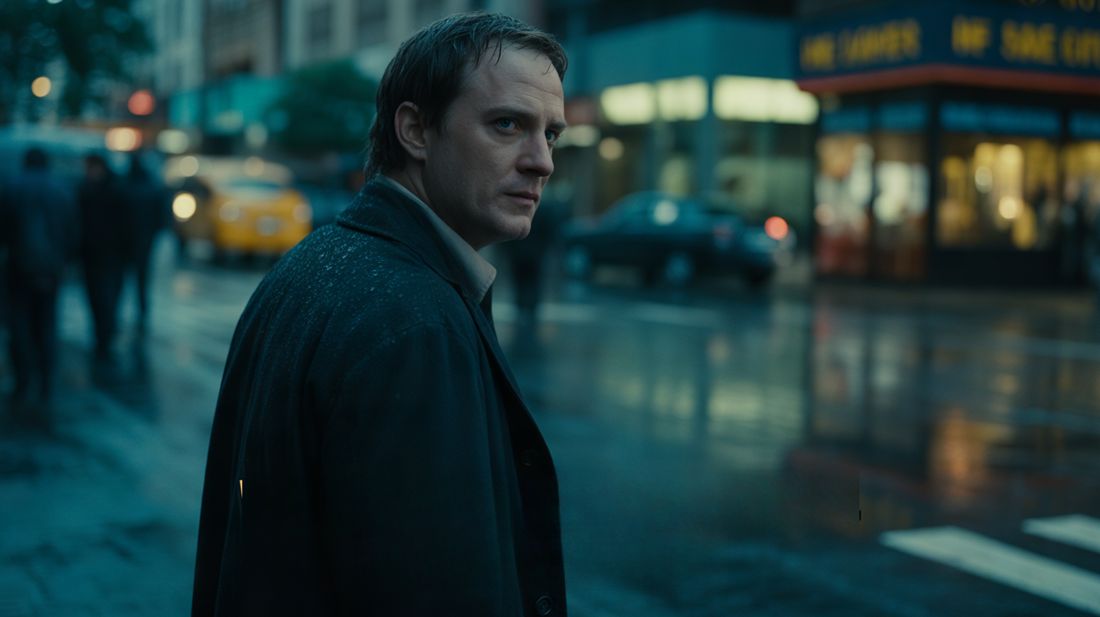 Film subtitleFaint trace · 6 s
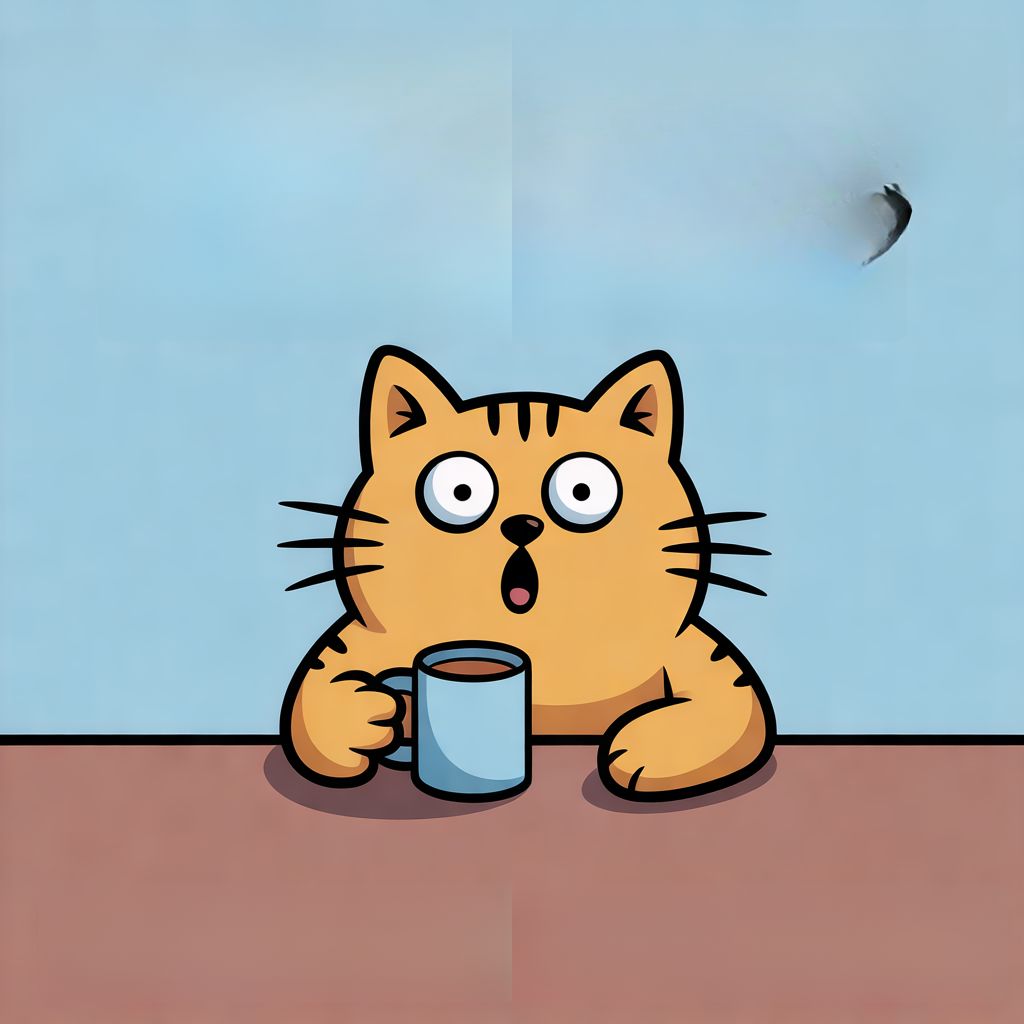 Meme textFaint trace · 4 s
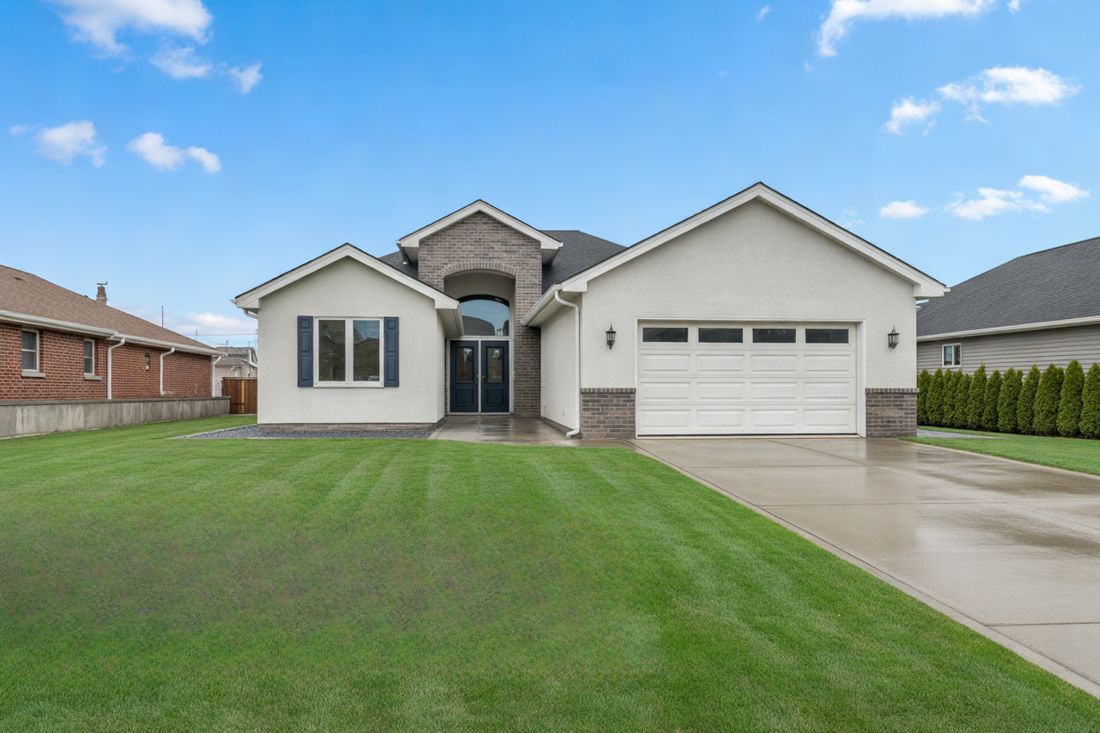 Phone stripClean · 9 s
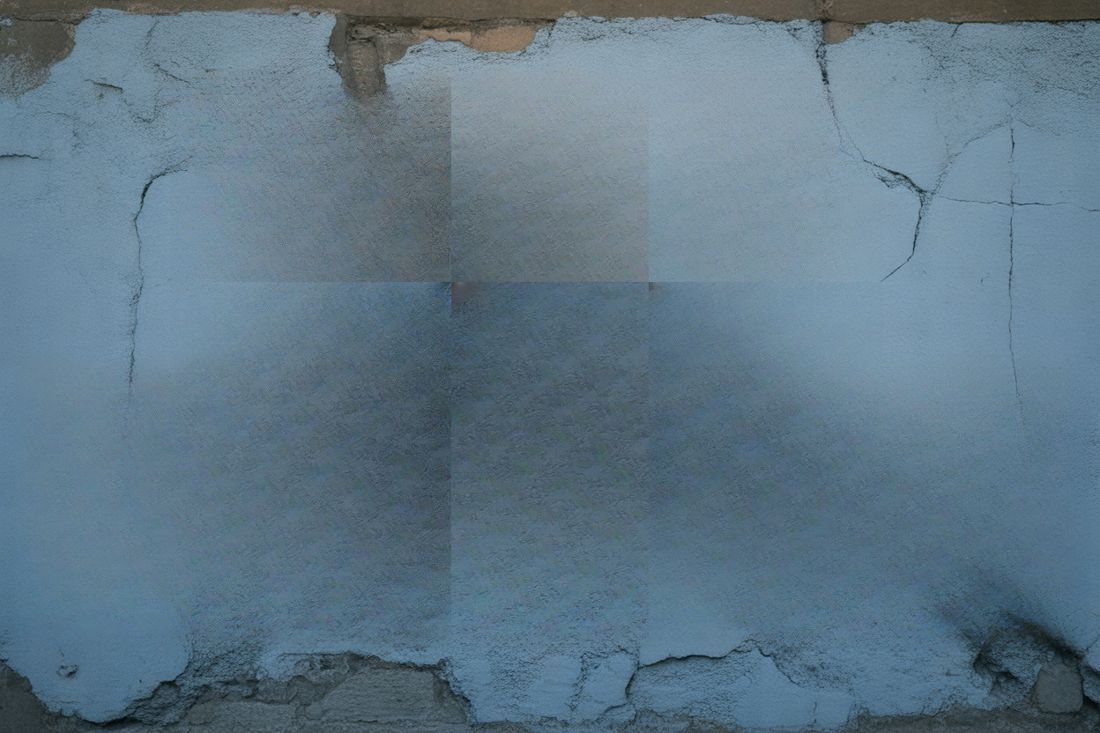 Wall graffitiFaint trace · 5 s
- Words on dark boxFaint trace · 8 s
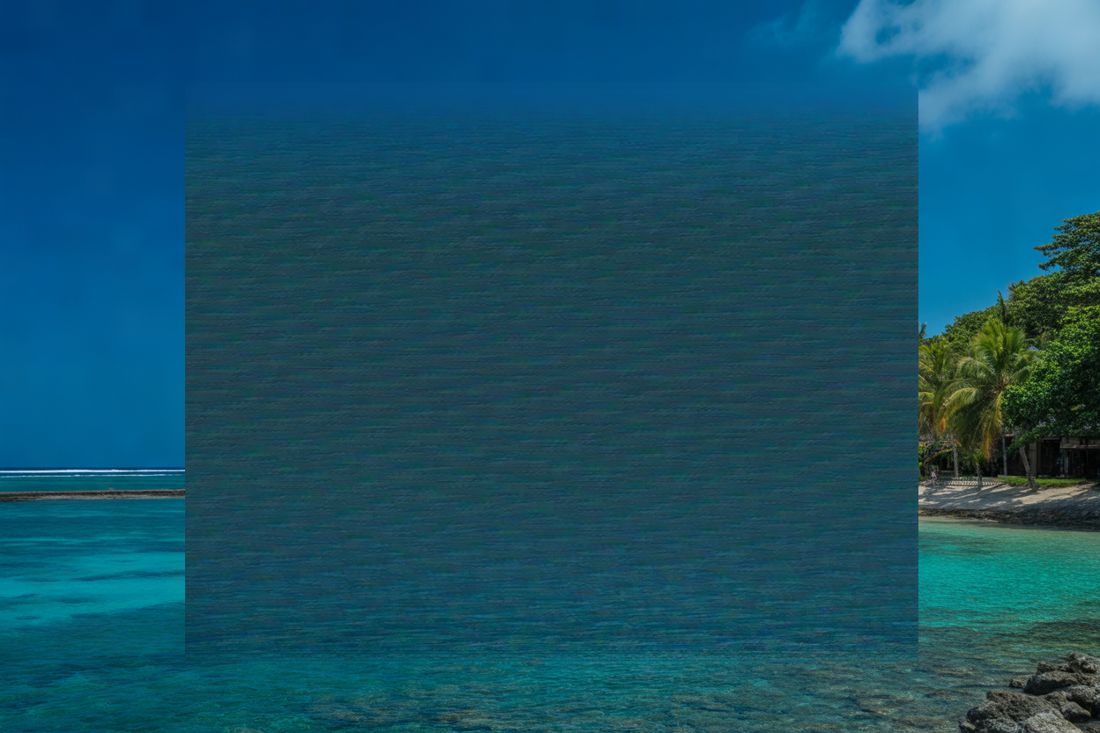 Postcard scriptFaint trace · 4 s
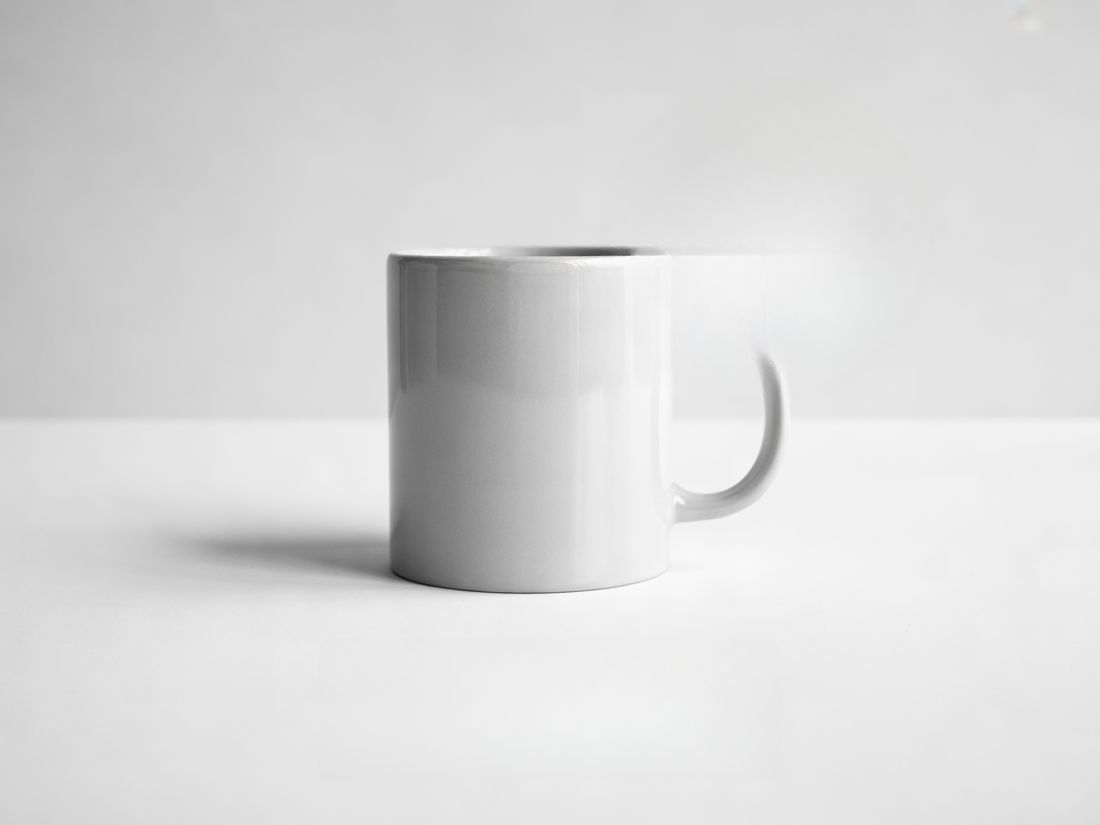 Mug stickerFaint trace · 4 s
Worried about what it does to your image?
It blurred my photo.”
Only the selected area is reconstructed. The area under the words is an estimate, not the exact hidden pixels. Use the changed-pixels comparison to inspect where the result differs from the original.
It left a mark.”
Seven of the 18 test images had a faint trace or damaged background. Paint close to the full letter edges, including outlines, and avoid covering faces or details you want to keep. A clean result is not guaranteed.
Is my screenshot private?”
Only the area you paint is sent to the image-model service. Uploaded blocks are deleted after one hour and results after 24 hours (7 days on paid plans). Hiding a name does not remove faces or other details, so check the full image before sharing.
Do you add a watermark?”
No. Downloads carry no Watermark Eraser mark, on free and paid use alike.
Will it change the rest?”
In these 18 runs, checks found zero changed pixels outside each measured selection mask. This check says nothing about the quality of the area inside the mask.
Can I check before I keep it?”
Yes. Drag the comparison line between the original and result before downloading.
Zoom in on small text, nearby edges and any face in the image. Compare at full size before using it.
Get a cleaner result
- Paint the full price tagCover the tag backing as well as the digits when you want the whole tag removed. On the folded-shirt example, the tag and banner disappeared; the wood below the banner looked slightly soft.
- Keep the brush close to gradient textThe poster title and date came off, but the orange gradient blurred. Trace the letters closely instead of covering a wide area.
- Keep faces outside the selectionThe thumbnail face blurred where large text crossed it. Avoid painting over a face or object edge you want to preserve.
- Include a strip or bubble backingPaint the whole dark strip or chat bubble if it should disappear. The shirt’s dark rectangle stayed when it was outside the selection.
- Review a screenshot before sharingCheck profile pictures, faces and other details after removing a name. The app screenshot kept its profile picture and menu dots outside the selection.
 BeforeAfter
Which kind of text is it?

What happens to your image
Only the area you paint is sent to an image-model service. Uploaded blocks are deleted after one hour; results are deleted after 24 hours, or 7 days on paid plans.
Only edit images you have the right to change.
1 credit per image
Guests can remove three images per day; signed-in users can remove five at original size. The button shows the amount before a run; selections over six blocks use two credits. Failed runs return the allowance or credits.
FAQ
Which text backgrounds can leave a visible mark?
Gradients and textured scenes can blur or retain traces. In our examples, the poster gradient blurred, while the chat bubbles disappeared when their backing was selected.
Can I replace words while keeping their position and font?
Paint over the old words and the area under them is rebuilt. Then add the new price, date or translation in your usual editor, where you also match the font.
Will removing a chat name change the avatar?
In our chat example, the contact name and both selected message bubbles disappeared. The profile picture stayed in a separate app screenshot when it was outside the selection.
Should I select a text box background too?
Yes, if the backing should disappear. The shirt banner and chat bubbles were removed when their backgrounds were included in the selection.
What happens when text crosses a face?
The thumbnail face blurred where large text crossed it. Keep faces outside the painted area when you want to preserve them.
Can I remove small text from a sign or menu?
The menu dish names and green sign wording disappeared in our examples. Small lettering outside the selected area stayed.
More image tools
Remove a watermark from a photo with our separate watermark remover.
Swap the words. Keep the picture.
Paint over the words and compare the result before you download.
Remove text